Friday, October 25, 2019

What’s the difference between vector and raster images?

Vector and raster images differ in their resolution, the amount of detail they contain, and where they are used. It’s important to understand the fine differences between them and when to work with each—no matter if you’re a new designer, a seasoned pro or a marketer looking to hire a designer. Both raster and vector images have their own advantages and downfalls depending on the project at hand.

The answer really lies in what you are creating. We’ll look at the nuances between raster vs. vector images and help you decide which format fits your project.

Raster images

What is a raster image?

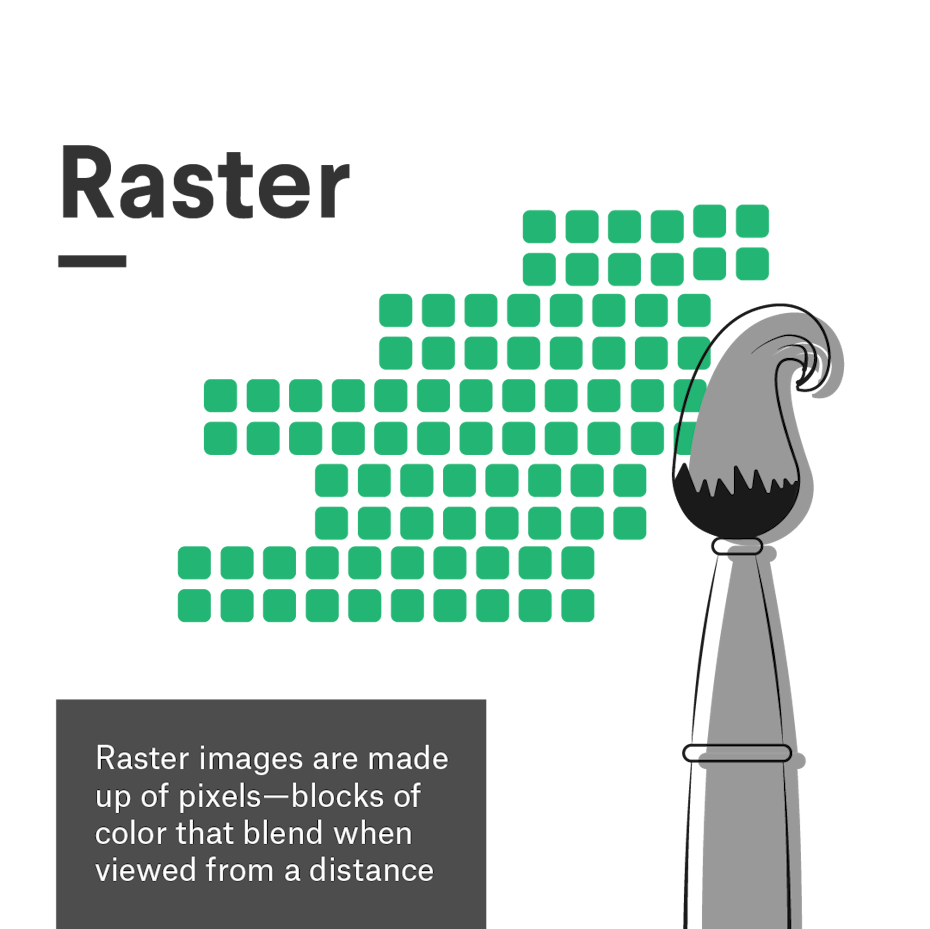
A graphic representation of raster images

A raster image is any digital graphic that is made out of pixels arranged on a static grid. A pixel is a square of solid color made from the combination of red, green and blue light (also known as subpixels).

Think of a raster like a mosaic: from up close it just looks like a series of squares, but from further away an image forms. Although the pixel grid is not visible, designers add to it when creating graphics in a raster program like Photoshop. Whenever you use the brush tool to create a digital illustration, every brush stroke adds pixels along the brush path—the number of pixels dependent on the size of the Photoshop document and the radius of the brush you are using. When taking a photo or shooting a video, the lens translates the reflected light into tiny colored pixels that combine to form a realistic digital image.

Because each pixel is designated to a space on the grid, raster images are resolution dependent. This means that raster images cannot be resized without distortion because the number of pixels are fixed. The more pixels, the higher quality (or resolution) the image is, given that there is more opportunity for color blending when viewed from a distance. At the same time, fewer pixels means that an image will show up as tiny or will ‘pixelate’ when resized because there are not enough pixels to provide seamless shading.

Raster image pros and cons

Pros
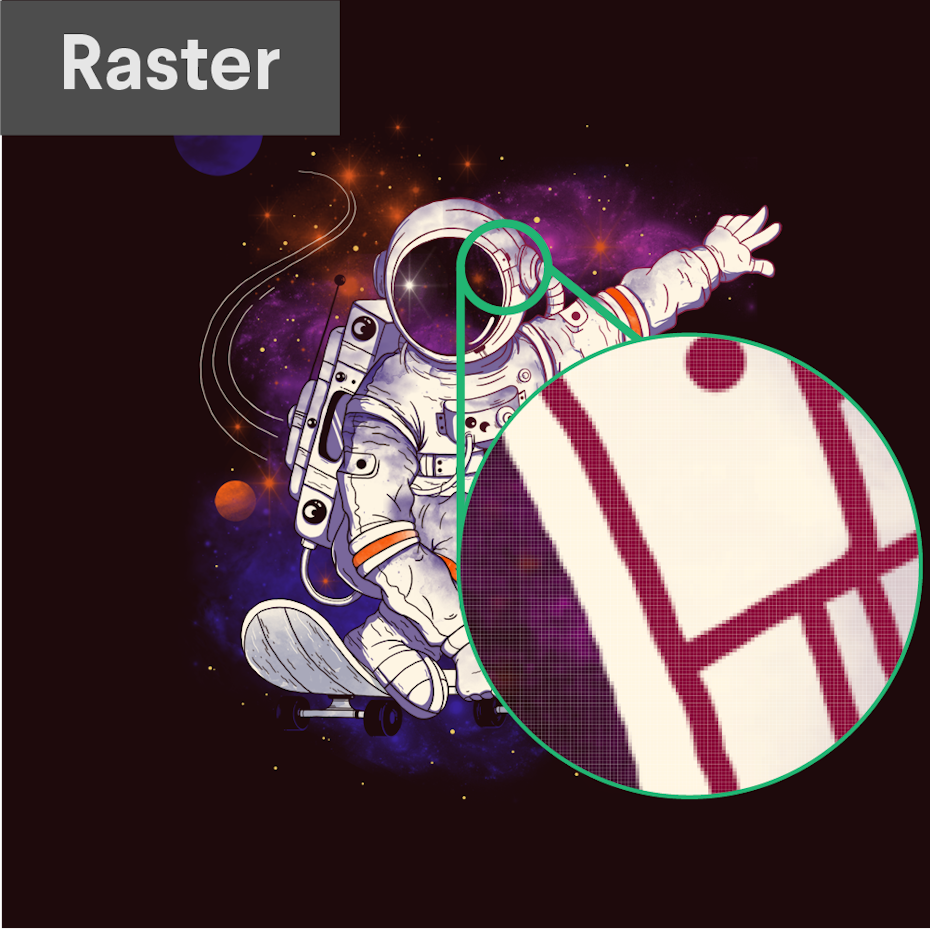
A raster image magnified to show the pixels
The pixels of a raster image are visible when you zoom in. Illustration by netralica.
  • Raster images are ideal to use when you want to show the subtleties of color gradients and shading—for example when you are editing photographs or painting photorealistic illustrations—due to the amount of color information they can hold.
  • You are able to zoom in and edit each pixel for finer editing.
  • Many advanced texture effects work best (or only) with raster images

Cons

  • The amount of pixel and color information means that specific parts of the image can be difficult to isolate without complex masking.
  • File sizes tend to be larger than vector formats.
  • Raster images have limitations with scalability. For example, a large scale print like a billboard would require a huge file with a high pixel density.
  • You have to pre-determine the intended size of your image which makes it hard to adapt if an unexpected change in the project comes up.

When to use a raster format

Raster is the default format for photography, video, and web-based media. When it comes to illustration, raster is ideal for photorealism and larger scale images due to the amount of detail possible. On the other hand, raster cannot be used for logos and are dependent on a high resolution when used for print.

Hope Street book design
Nevergohungry’s poster and book cover designs shows the finer nuances of light and shadow using raster images. Collage design by nevergohungry.

Here is a general guide of which projects would better suit raster images:

  • Photography
  • Digital illustration/painting
  • Any imagery that uses photography or collage
  • Postcards
  • Web design
  • Mobile apps
  • Photographic icons
  • Banner ads
  • Social media images
  • Any other design intended for electronic use

Raster image software and file types
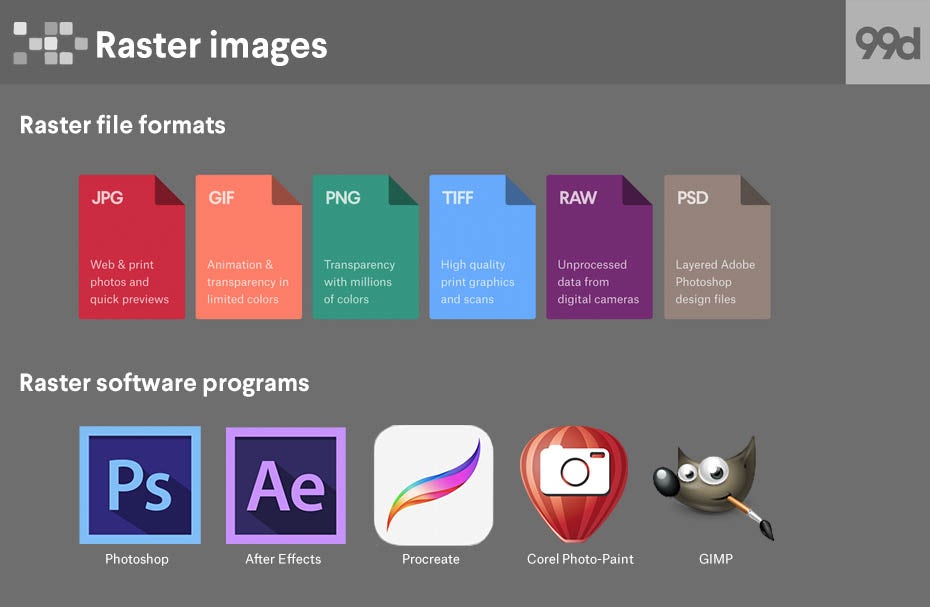
Raster image file types and software programs
  • Raster file formats
    • JPG
    • GIF
    • PNG
    • TIFF
    • RAW
    • PSD
  • Raster software programs
    • Photoshop
    • After Effects
    • Procreate
    • Corel Paint-Photo
    • GIMP

Vector graphics

What is a vector image?

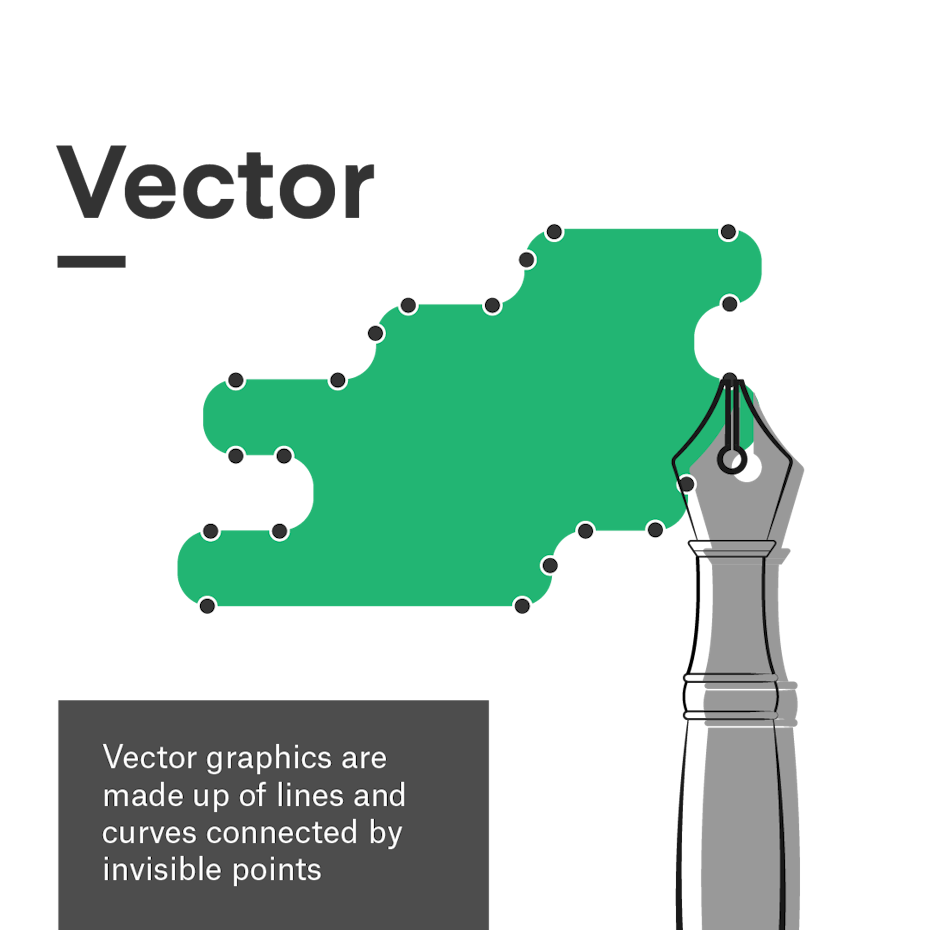
A graphic representation of the vector format

A vector image is an infinitely scalable digital graphic made out of mathematically calculated paths. Vectors are essentially geometric shapes that can be stretched or curved as need be.

There are three elements to vectors: points, polylines and polygons. Points are invisible in the final graphic, but designers can edit them within the software to change the shape of the artwork. Polylines or paths connect the points, and designers can assign color, stroke weight, and stroke profiles to them. Polygons form when paths are closed (i.e., all points are connected by a path). These can be assigned a fill color. Generally, a vector image will contain many of these elements all at once to produce a convincing graphic.

While vectors do incorporate math, you can leave your advanced calculus degree at the door when working with them. Native tools in programs like Adobe Illustrator allow designers to create vector graphics quickly and easily. The computer handles the calculations on the backend.

The key takeaways regarding the math involved are that graphics are geometric in nature and resolution independent—because there are no pixels, you can scale up or shrink down a vector image without sacrificing image quality. The computer simply recalculates the equations whenever the size or position changes.

Vector image pros and cons
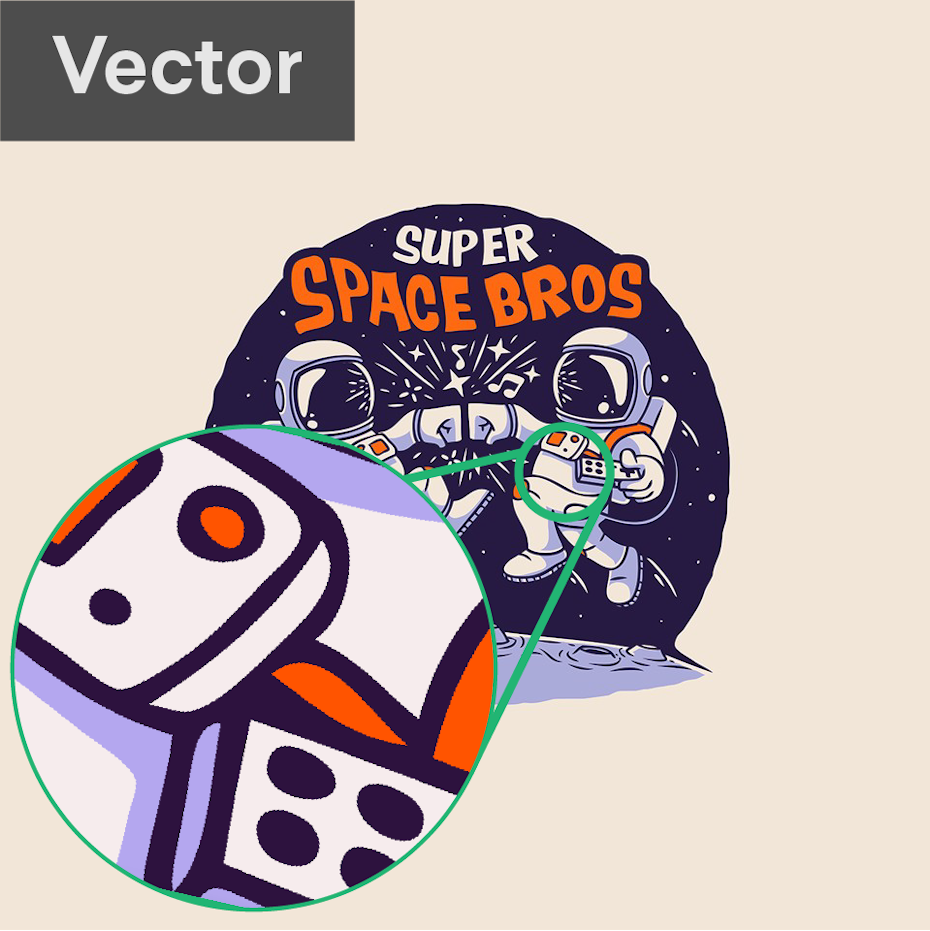
A vector logo zoomed in to show the lines
Vector graphics are infinitely scalable, meaning lines are crisp and sharp even when you zoom in. Logo design by KONSTABR.

Pros

  • Vector graphics can be scaled to any size without losing quality.
  • The mathematical components of how a vector is built allows you to create neat lines and perfect curves, making vectors ideal for symmetry and clean designs.
  • Vectors tend to have smaller file sizes than rasters.

Cons

  • Vectors do not display complex color gradients, textures or shading. This can result in a more flat, cartoonish style.
  • Vectors prioritize crisp, mathematically precise lines which can make it difficult to replicate an imperfect, hand-drawn look.
  • Learning curves of vector software tend to be steeper because the process of plotting points and combining shapes is not intuitive compared to traditional drawing.

When to use a vector format

Vector graphics are ideal for print designs due to the fact that they are resolution independent. Their infinite scalability and simplified shapes make them perfect for designs like logos that must be adaptable and easily edited for a variety of contexts.

Their simplicity can also make vectors useful for animated graphics (even though the final animation might end up raster). Vectors can be used for illustration, and despite being stylistically limiting, they are capable of high geometric precision. Because vectors can be easily converted to raster, there’s no real situation when you can’t use vector graphics if the situation (and client) permits.
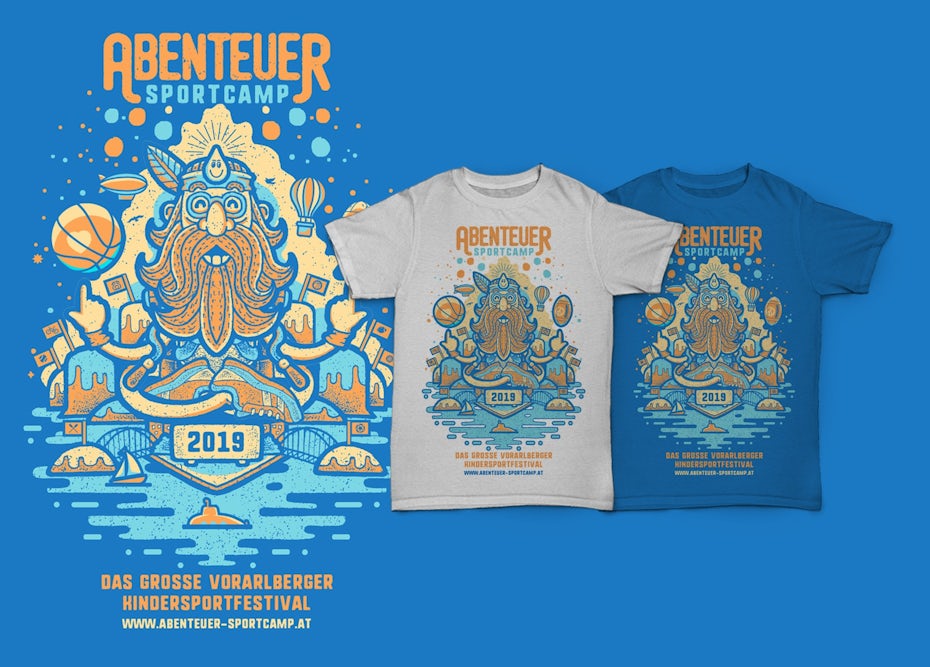
Vector t-shirt illustration
Vector art is great for symmetry and bold shapes. Illustration by Monkeii

Here are some common situations that better suit vector images:

  • Logo designs
  • Illustrations
  • Packaging
  • Brochures
  • Posters
  • T-shirts
  • Signage
  • or anything intended to be printed

Vector graphic software and file types
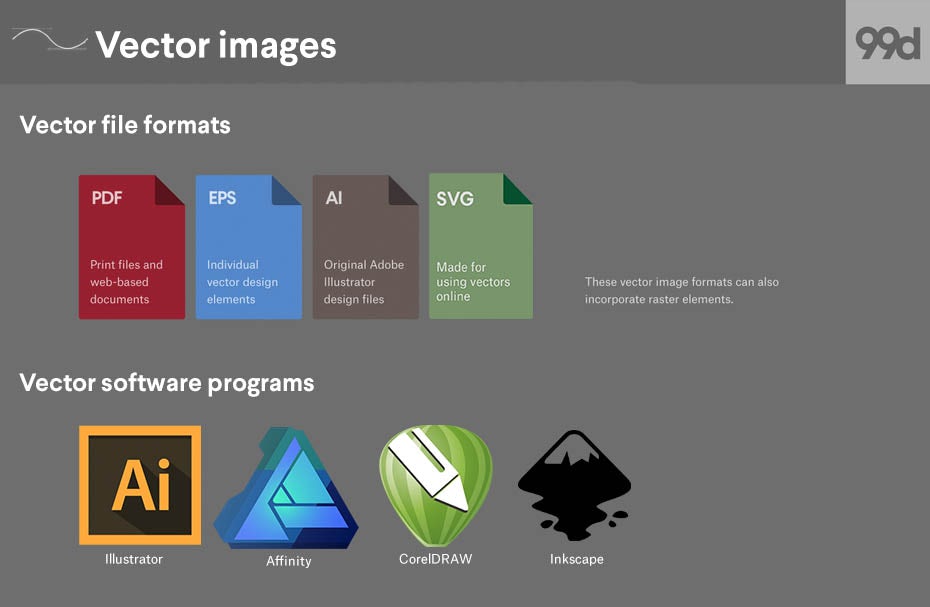
Vector image file types and software programs
  • Vector file formats
    • PDF
    • EPS
    • AI
    • SVG
  • Vector software programs
    • Illustrator
    • Affinity
    • CorelDRAW
    • Inkscape

Can I use raster and vector in the same image?

Technically, it is possible to mix vector and raster data in the same image. Whether or not it is a good idea depends on the project at hand.

A t-shirt illustration that uses vector shapes with a raster photo
Here, a raster a photo is combined with vector shapes for a dynamic composition. T-shirt design by dariamaria.

Using vectors in a raster-intended design is permissible because the whole image can easily be exported as a raster file. One advantage of doing so might be to incorporate different art styles within a single image for contrast.

On the other hand, designs that are meant to be fully vector-based can become problematic when they contain raster data. Take logo design as the most obvious example. While you will need a raster version of a logo for digital spaces, logos must be infinitely scalable and editable for the many other spaces they will inhabit. This necessitates a vector source file since pixels cannot be scaled or altered as easily. When a logo is designed with any raster data, converting it to vector can be difficult and often impossible (see next section). In short, raster data here tends to lead to unusable logos and unhappy clients.

When deciding how you will create your design, make sure to review the industry standard image formats and stick to them. You may also want to check with the intended printer (if applicable to your project) as some print shops may require a specific image format as well.

How to convert between raster and vector

How to convert a vector image to raster in Photoshop

Converting a vector to a raster is as easy as clicking a button. Before getting started, make sure your source vector image is large enough to yield a high resolution when converted and that all text is correct—you will not be able to edit the spelling after it is rasterized.
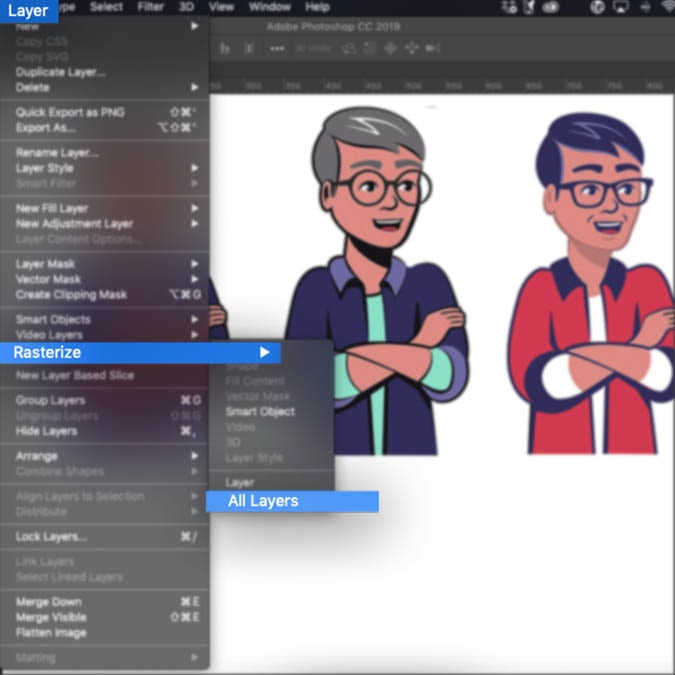
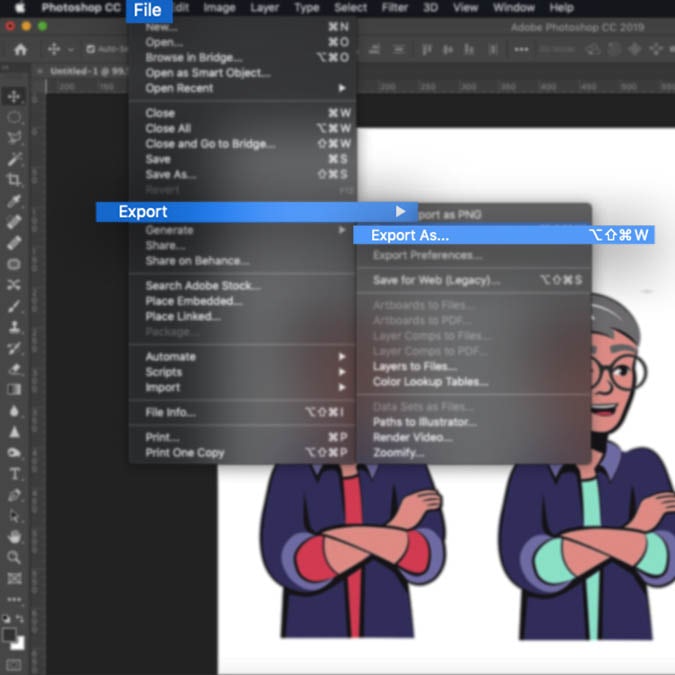
How to rasterize an image in PhotoshopHow to export a raster image in Photoshop

Here are a few ways to convert a vector graphic to raster in Photoshop:

  • Opening a vector file in Photoshop: you will automatically be prompted to rasterize the image. Just press OK on the dialogue box.
  • For vector graphics created in Photoshop: Navigate to Layer > Rasterize > Layer (or All Layers if you wish to rasterize the entire document).
  • Exporting a full raster file: Navigate to File > Export > Export As… > select a raster file format (find these in the raster file formats section above), choose a destination and hit Save.

How to convert a raster image to vector in Illustrator

Converting a raster image to vector involves recreating the image completely, and this can get complicated. Raster and vector are fundamentally different image formats, and getting them to look alike simply will not work most of the time. Because raster images can contain more complex detail and photorealism than vector images, data will inevitably be left out when you are transitioning from a complex format to a simple one. You will have better results when the source raster image is already made up of simple lines and color.

Generally, the best way to convert a raster image to vector is to trace over the image manually in a vector program, especially if you need to make sure the number and placement of your points is optimized for easy editing. Adobe Illustrator (and most vector programs) does provide automated tools for image tracing, though the results can be somewhat random.

Illustrator interface showing how to trace an imageIllustrator interface showing the result of image tracing

Here’s how to use Illustrator’s Image Trace to convert a raster image to vector:

  1. Select the image
  2. Press the Image Trace button in the control panel or navigate to Object > Image Trace > Make
  3. Press the Expand button in the control panel or navigate to Object > Expand
  4. Ungroup the object to separate each shape for fine editing

Vector and raster belong in every designer’s toolbox

Overall, it is important to ask yourself at the start of the designing process what it is that you are designing, and what style you are aiming to achieve. Whether it is a poster, book cover or logo design, once you have a clear vision it will be easy to decide to choose between a raster and a vector image.

Need more help with vector or raster images?
Our designers have you covered.

This article was originally written by Allison S. Gremillion and published in 2011. The current version has been updated with new information and examples.

The post What’s the difference between vector and raster images? appeared first on 99designs.

Thursday, October 24, 2019

Anime logo design: how to use an anime style for branding

Want to create an anime logo design? You’re in the right place! You also picked an industry which—according to the most recent assessment by The Association of Japanese Animations—made $19.1 billion in revenue in 2017 and continues to grow! The anime style is also a great logo choice because the genre caters to diverse audiences. So, there will surely be an anime logo design style that’ll fit your specific brand voice and tone.

We’re going to show you: how to make a logo look anime, what the features of an anime logo are, who this aesthetic works best for, and what classic anime logos you should pay attention to.

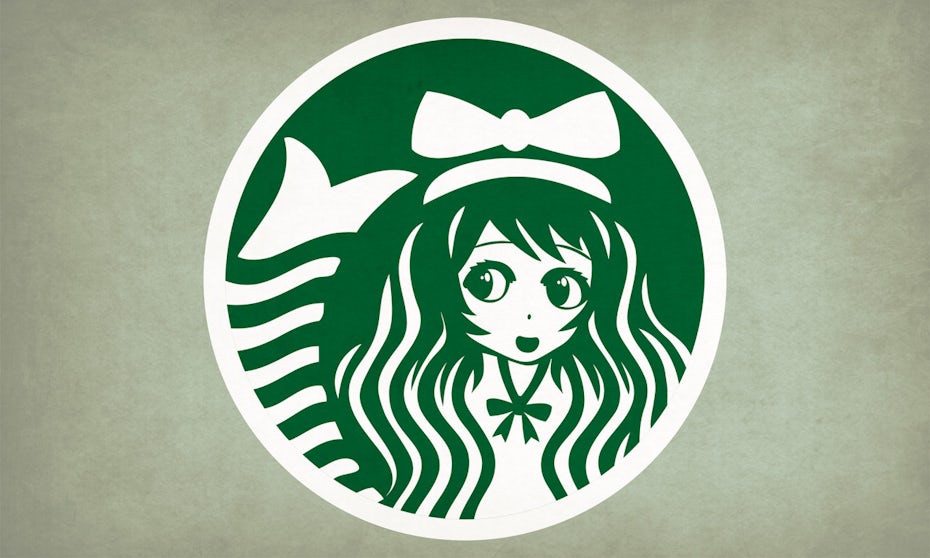
Starbucks anime logo design
Get ready to learn how everyday designs can be pulled into the unreal landscapes of anime. By Vladanland.
  1. What is anime?
  2. Why the appeal of anime?
  3. A brief history of anime
  4. How to give all types of logos an anime look
  5. Ride the anime wave

What is anime?

The term is an abbreviation of the word “animation.” In western culture, anime basically applies to cartoons from Japan. The style has been going on in Japan since the late 1940s but has only been adopted by the outside world since the late 90s.

Why the appeal of anime?

Anime evokes a spectacular sense of the scale and drama. Take the Dragon Ball series for example. Just one battle scene can happen over the course of several episodes. Or look at shows like Mushishi or The Tatami Galaxy. On the surface it can seem like nothing’s happening. But take a closer look, and you’ll find an undercurrent of emotional meditative contemplation. Or take the coming of age drama, Aria the Animation, or Kill La Kill’s commentary on cultural imperialism, or any number of other occult and horror titles. The list of subgenres goes on!

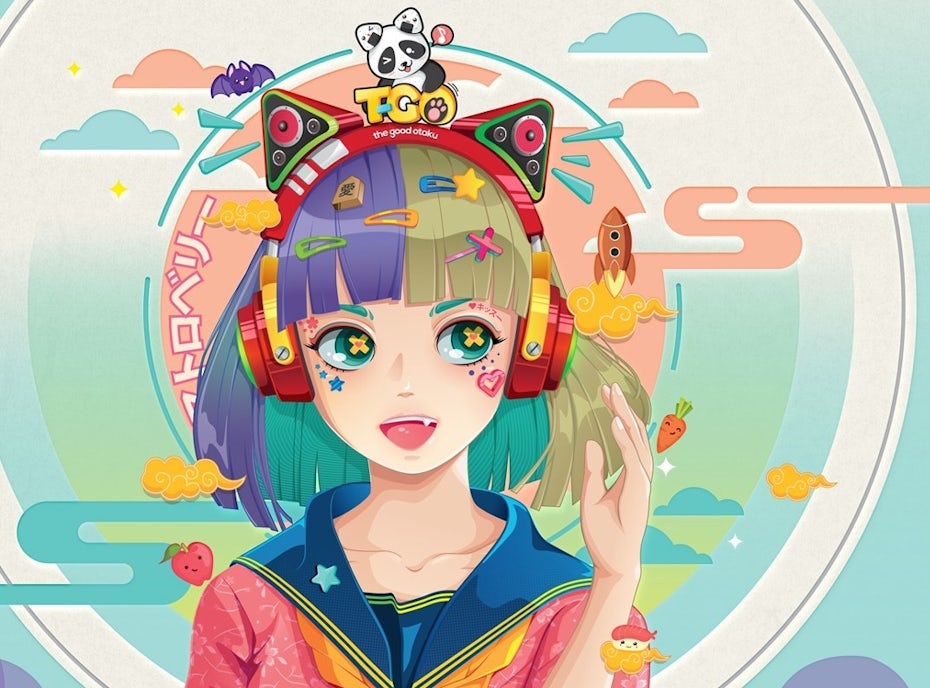
Colorful surreal anime girl illustration
by bubupanda

If your brand relates to any of these larger-than-life topics or motifs, consider patterning your anime logo after their styles. You’ll have a built-in audience!

A brief history of anime design

Before we get into anime logos, let’s start with anime history, so you’ll have more options for your own anime logo design. Don’t worry, instead of a boring history lesson, take a scroll through our quick visual tour of the evolution of the anime style!

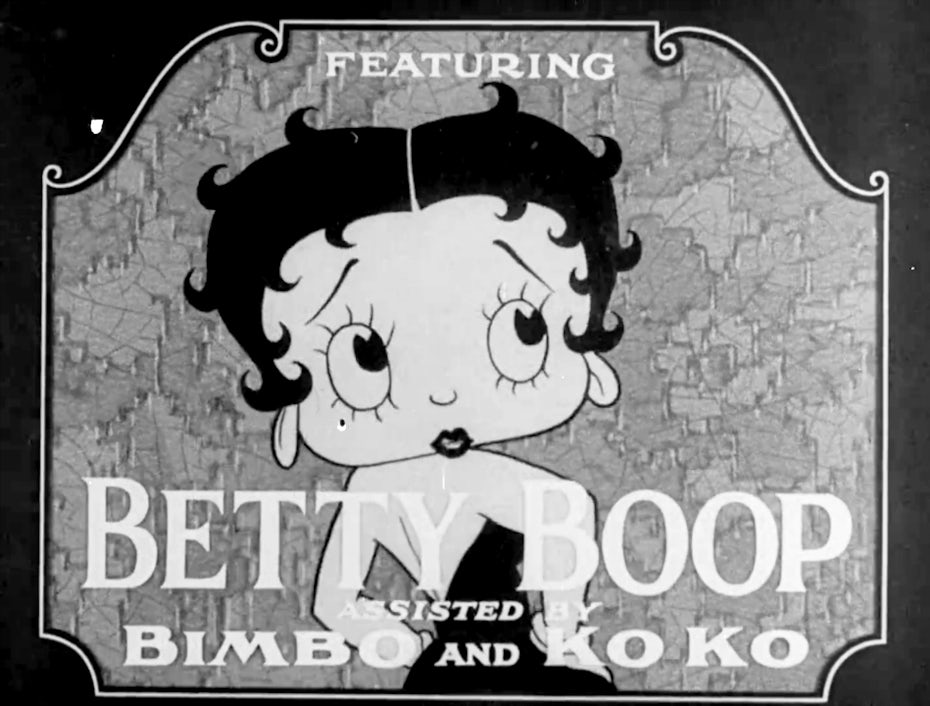
Betty Boop by Max FleischerMickey Mouse in Steamboat Willie

Osamu Tezuka started what would be known as anime in the mid-1940s. He was not only inspired by American animation in general and Walt Disney, he was known as the Japanese version of Walt Disney.

1963—Astro Boy Anime TV series

Astro Boy volume 1 anime cover
You can see the stylistic influence of Betty Boop on Astro Boy. Astro Boy volume 1 anime cover by Osamu Tezuka.

Astro Boy’s arms and legs had close to no detail. This was smart because Tezuka’s team could animate him inexpensively.

Details were in his belt and hair. His facial gestures, eyes, and body positions showed his emotions.

In the late 60s color was introduced, and backgrounds became more specific and started moving a bit.

Character design elements became more detailed. Things like clothes and hair started moving, enhancing drama.

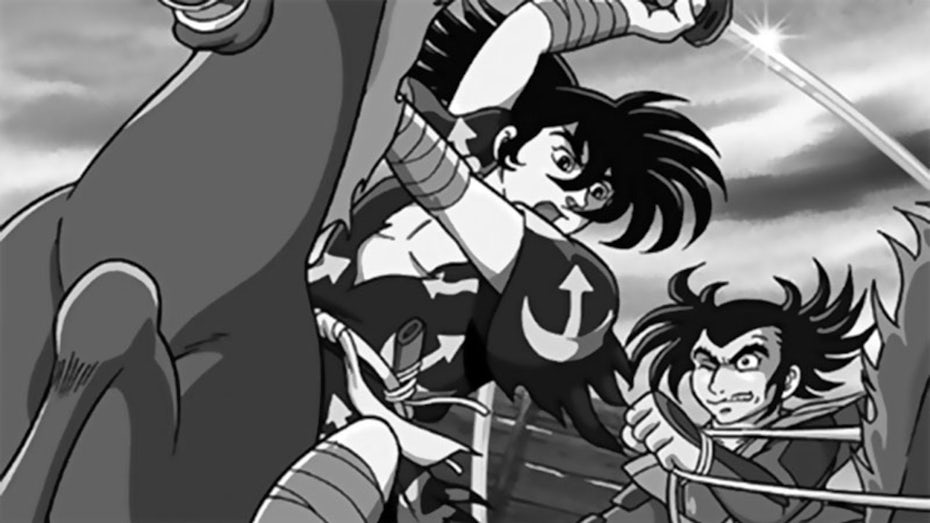
1969—Dororo

The anime show Dororo marked a change in target group from kids to mature audiences.

1969 anime Dororo
via Mushi Productions

Dororo showed violence and death, but used cinematic composition and lighting to represent it beautifully.

1971—Lupin III

With shows like Lupin III, the early 70s saw an increase in character detail

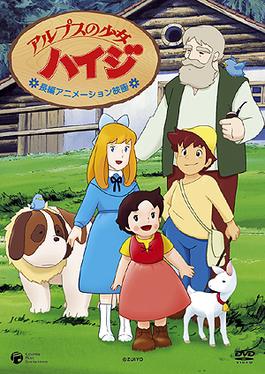
1974—Heidi, Girl of the Alps

Anime shows like Heidi, Girl of the Alps didn’t have loads of action, so the drama was in the details of the characters’ expressions or the running streams and blowing flowers of the Alps background art.

1979—Mobile Suit Gundam

1979 anime Mobile Suit Gundam
via Nippon Sunrise

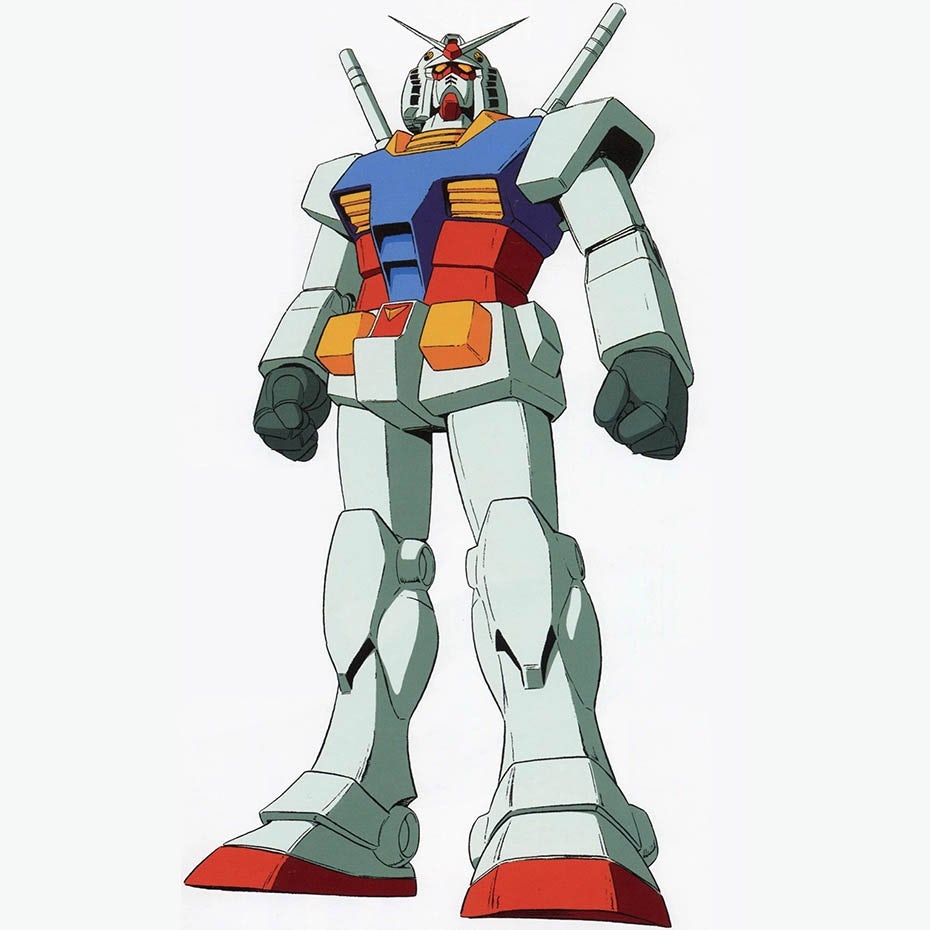
The 70s also brought what anime might be most famous for: mech (mechanical war-fighting suits). Anime’s ability to render complex machinery was second to none. 1979’s Mobile Suit Gundam perfected this mech art.

1982—Macross

1982 anime Macross
via Studio Nue

Macross in 1982 contributed a significant leap in dynamic background animation. Before this, backgrounds were clearly distinguishable from the foreground.

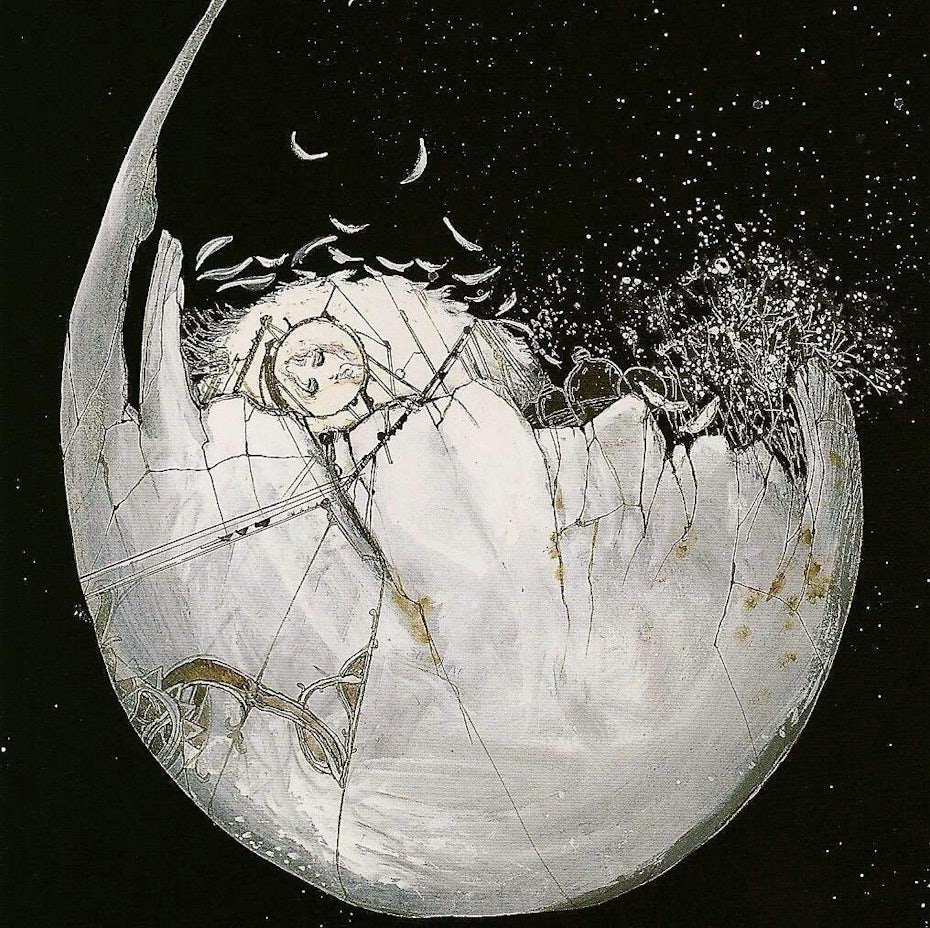
1984—Angel’s egg

1984 anime Angel’s Egg
Angel’s Egg. via Studio DEEN

Arthouse moved anime away from the mainstream and toward experimentation.

This brought a more expressionistic look, blending reality with dream realms.

1984’s Angel’s egg pioneered this look.

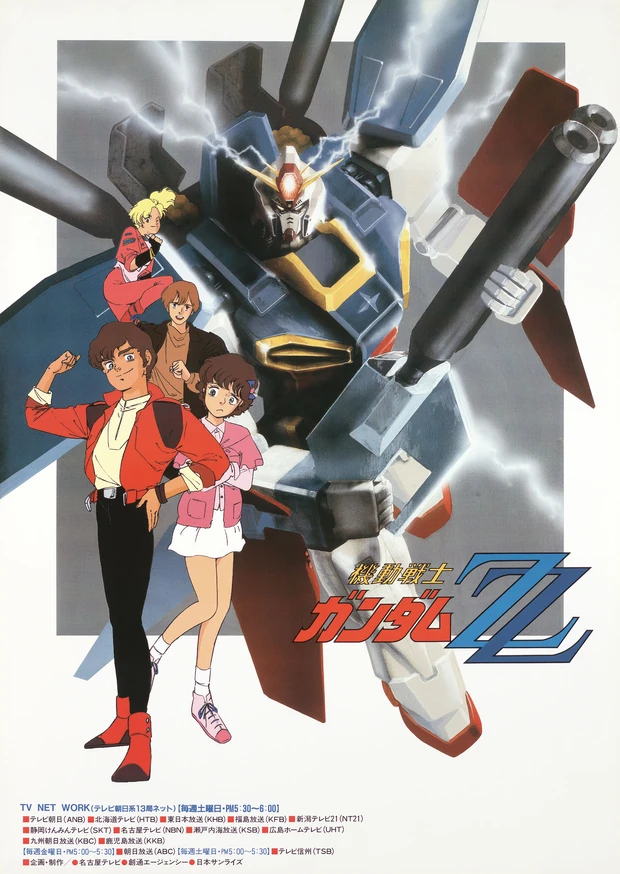
1986—Gundam ZZ

Line work and shading detail also evolved in the 80s with Gundam ZZ.

1986—Castle in the Sky

1986 anime Castle in the Sky
via Studio Ghibli

Studio Ghibli raised the bar again in the realism department. Even though their characters weren’t photo-real, their smooth moving animation made them feel real. They also upped the background art game, employing more background artists than before to create intricate scenic detail.

1987—Bubblegum Crisis

1987 anime Bubblegum Crisis
via Artmic

Japanese cyberpunk’s future cityscapes and neon colors has its roots in anime like 1987’s Bubblegum Crisis.

1988—Akira

1988 anime Akira
via TMS Entertainment

Akira… the biggest dog in the yard. Akira is famous in part for being the most technically advanced and detailed anime of its time. It arguably had the biggest and most wide-reaching impact of any anime that came before. Akira recruits a more sophisticated audience and does everything we’ve described, to the ultimate degree.

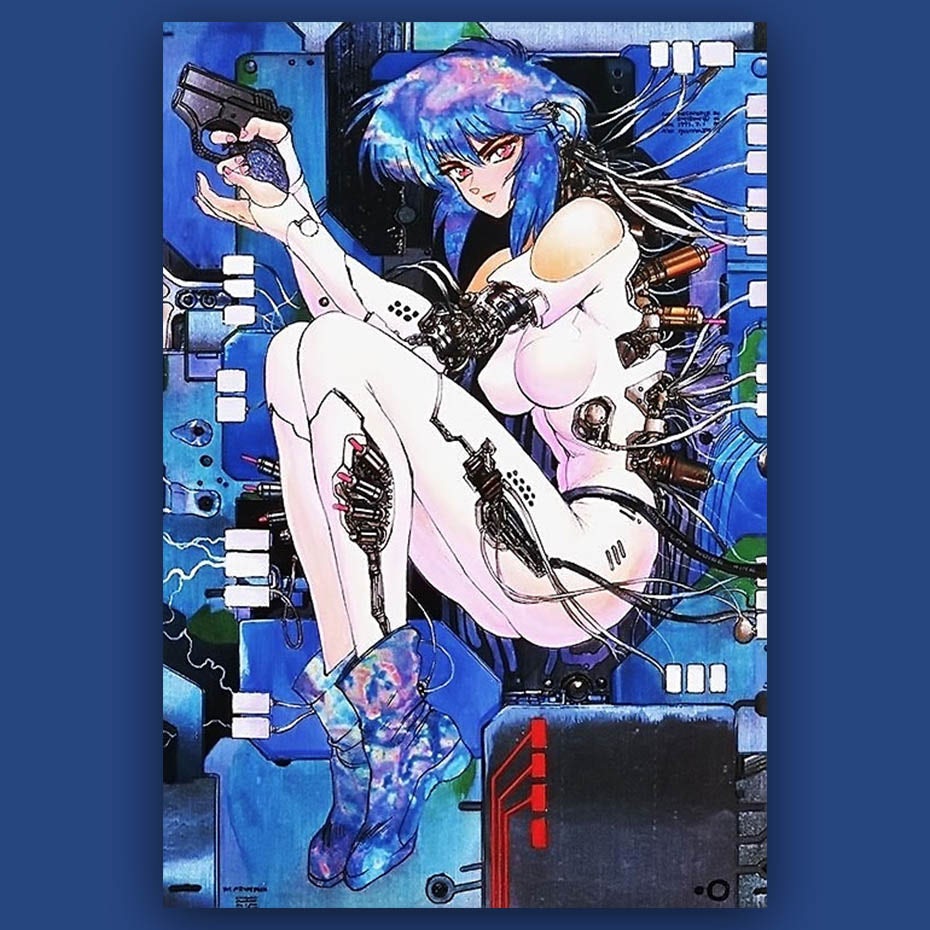
1995—Ghost in the Shell

1995 anime Ghost in the Shell
via Bandai Visual

Ghost in the Shell pushes the 90’s into realism. Particularly in the photorealistic background and correct body proportion departments. The Matrix franchise imitated many elements of Ghost in the Shell.

1998—Cowboy Bebop

1988 anime Cowboy Bebop
via Funimaiton

Cowboy Bebop brings expressionism back to end the 90’s. This anime seamlessly blends most anime styles.

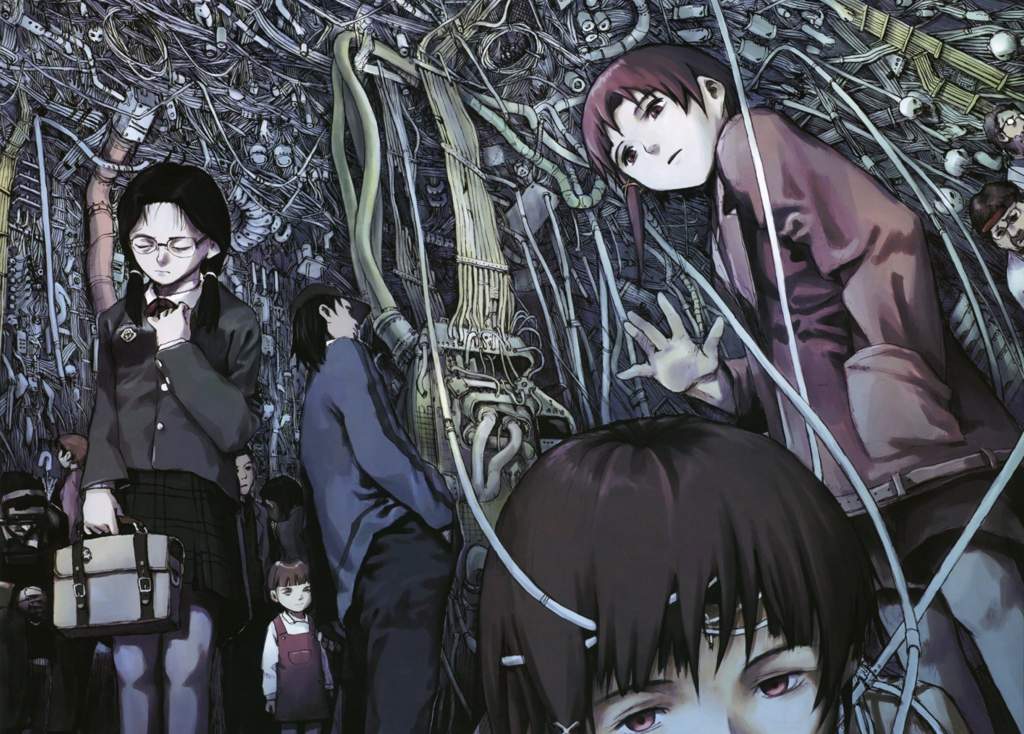
1998—Serial Experiments Lain

Serial Experiments Lain leads us into the experimental 2000’s. Visuals were a direct representation of the subtle psychological oddities we experience daily. This anime brought big differences with muted color palettes and dream-like lighting.

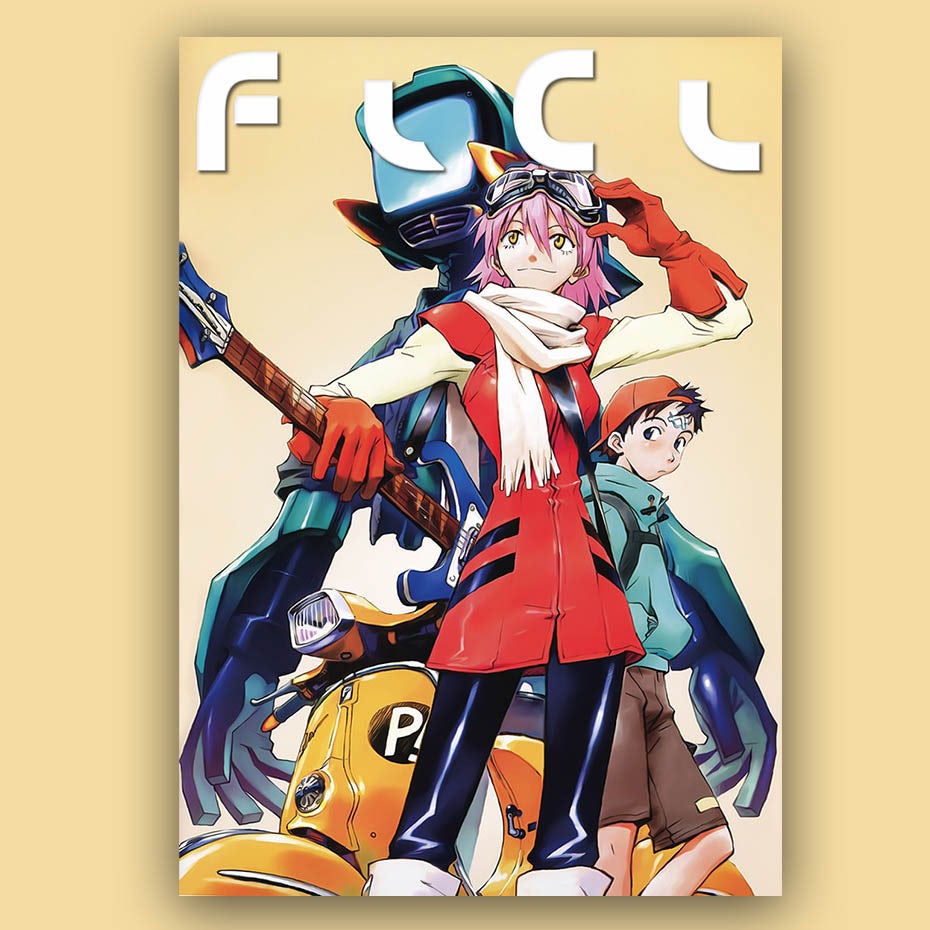
2000—FLCL

2000 anime FLCL
via Funimation

FLCL starts this decade off with a bang! A proper mix of colorfulness, beautiful composition and all around technical mastery, while dipping from reality into the expressionistic anime of the 70’s.

2006—Ergo Proxy

Ergo Proxy takes the muted color palettes and dream-like lighting of Serial Experiments Lain into a darker, moodier style.

2017—Lu Over the Wall

2017 anime Lu Over the Wall
via Toho

2017’s Lu Over the Wall brings us full circle back to the simple line work, lack of detail, and cuteness of Astro Boy. But unlike Astro Boy, Lu Over the Wall’s color pallet is so vivid, it might pop you into another dimension!

How to give all types of logos an anime look

We’re going to walk you through how to incorporate anime style into logo design, and we’ll take a look at how these logo examples represent their brand. Even if your brand has nothing to do with cartoons, the anime look can infuse the magic of another world into any logo design.

1. Anime typography and lettering

You can usually tell if you’ll like an anime show before you even see it. That’s because the typography of the title draws you in. Its elements are targeted to your age group and psychological preferences. Whether they’re rendered to remind you of Japanese writing or geometric machines, these anime typography logos express the style and tone of the show they represent.

FLCL anime typography logoGuilty Crown anime typography logoE.X. Troopers anime typography logoSerial Experiments Lain anime typography logo

Anime lettering is great for businesses looking to get their name out there. If the brand initials fit together well geometrically, or if there’s an appealing repetition, consider using a monogram logo (a logo made of initials). Also, use a monogram if your brand name is too long to look good written out.

What if your brand has nothing to do with anime? Anime typography can still be a good idea. There are so many sub-genres of anime that there’s bound to be some crossover. For instance, the geometric, mech anime style fits with technology companies.

Anime typography logo design with glitch animationAnime typography logo design for Best Beer Japan

2. Anime icons and logomarks

The anime logomark is often an object, icon or an abstract symbol worn by a character within the story. These are hugely popular with fans because they can show their support by wearing the logo as a tattoo, patch, t-shirt, hat, etc.

Since anime logomarks are pure geometric forms, they have the power to represent character traits or an ethos (think Christian cross or Jewish star). This cuts through the customer’s logical brain into their emotional brain, giving the anime icon tremendous potential for instant brand recall.

Pokemon anime logomarkThe Legend of Zelda anime logomarkNaruto anime logomarkAttack on Titan anime pictorial mark

If you’re a designer or business who’d like for your customers to be sporting your symbol, an anime style icon might be for you. Symbols are traditionally revered in Japanese culture as possessing power, and you can imagine how this can translate to a logo icon wherein your entire ethos and vision is distilled into a single mark.

Anime often uses icons that hold significance within their own unique worlds (the Pokeball wouldn’t work for Dragonball merch!). While this approach might seem like it can exclude the uninitiated, it can also be a good way to drum up business via the curiosity factor—the unique and surreal style of the icon generating intrigue. The anime logomark is great for earning you more than customers—when done right, it can earn you loyal fans!

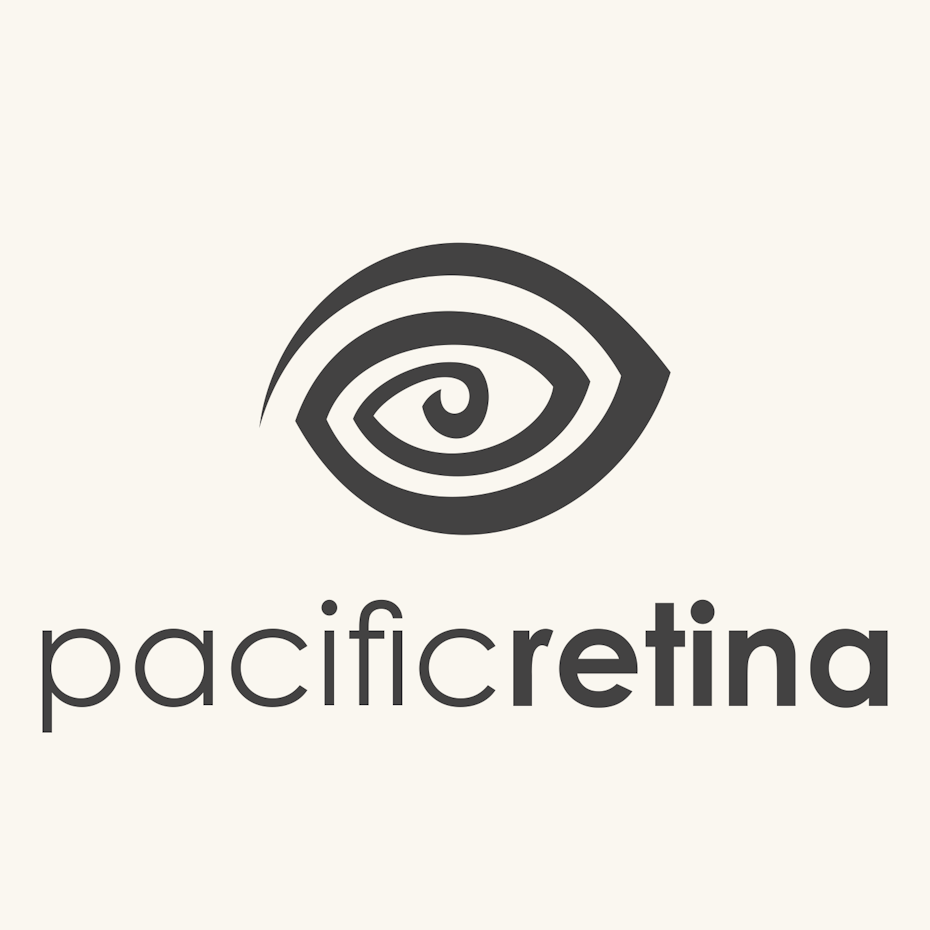
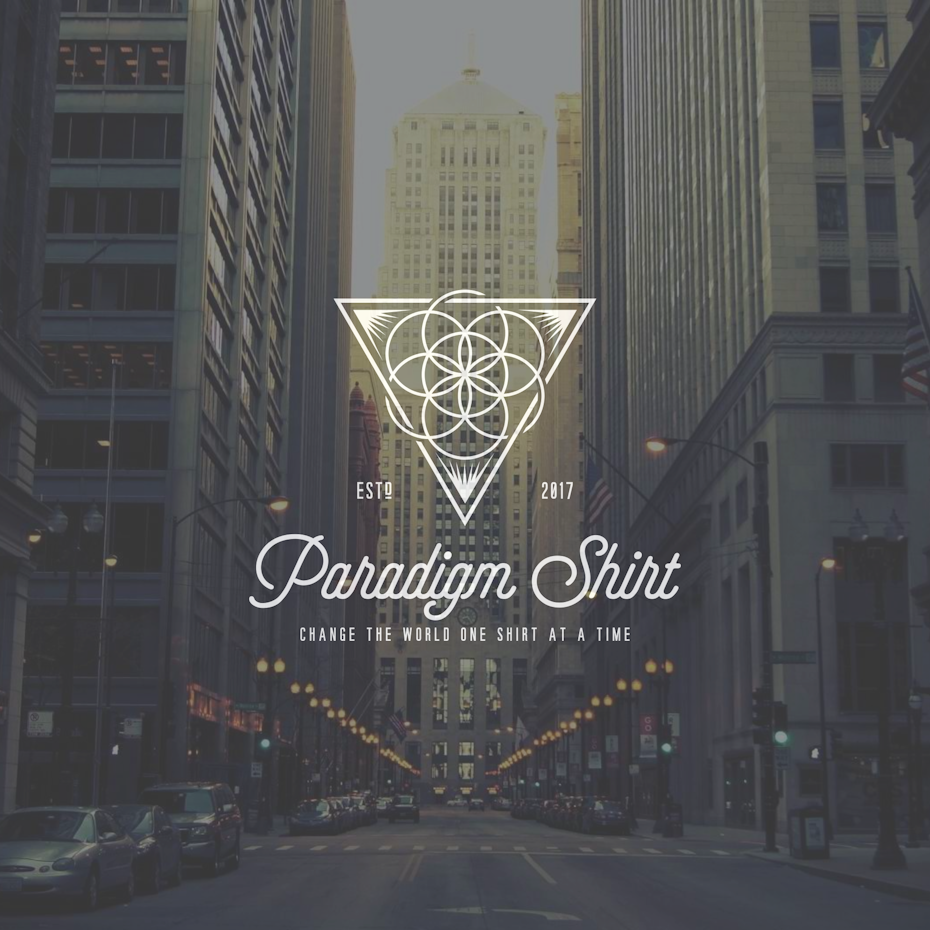
Anime style logo design for an eye surgeonFlower of life anime logomark

3. Anime characters and mascots

An anime’s most charismatic figure or main character will generally become their mascot logo. When fans see this character, they see the embodiment of the beliefs they hold sacred. They see their hero. They get emotional.

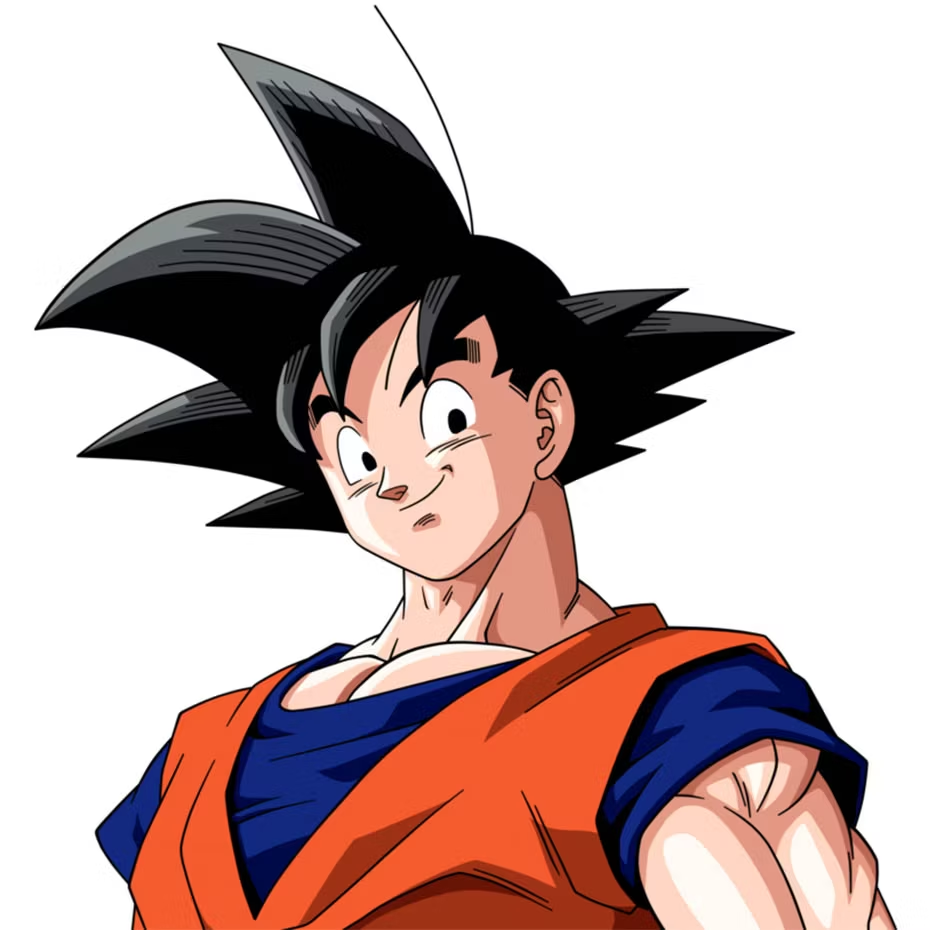
A huge benefit of using an anime mascot is they have certain instantly recognizable signatures: Blocky wild anime hairstyles influence real-life cosplayers and Japanese pro wrestlers alike. Biomechanical plugs are a cyberpunk staple. Heroic angles and body language inspire confidence and conviction. Anime characters also show a wider range of emotions than in other cartoons. It’s common to see expressions like puppy eyes, nervous, hungry, content, and many more.

Dragon Ball anime mascotGundam Mobile Suit anime mascot logoGhost in the Shell anime mascot logoPikachu Pokémon anime mascot

Companies with a charismatic spokesperson or a character whose look represents the brand ethos can benefit from a mascot logo. Who would be the champion for your business? Who by their very presence would get your customers on board? Give that character an anime makeover, and that’s your mascot!

Non anime/Japan-related brands can benefit from using an anime mascot logo, even a subtle one. The playful, youthful, and modern style elements of anime mascots can be appealing whether your audience is into anime or not. Also, non-anime/Japan related brands can hint at an anime character the way movies like The Matrix hint at anime forerunners while maintaining their own style. This means mixing and matching common anime character features like eyes, hair, and inking into another style of illustration. The result is a mascot that crosses borders and sticks with you.

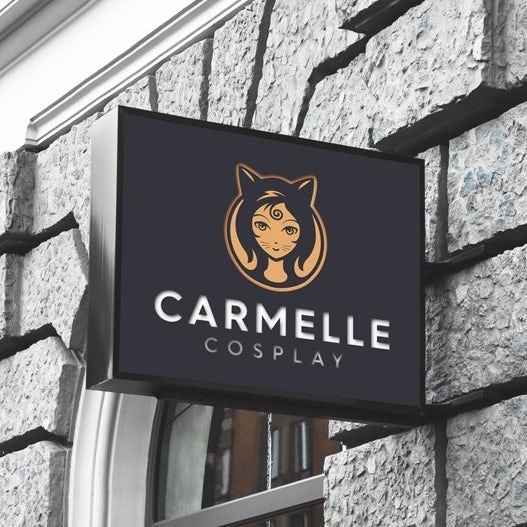
Anime mascot logo for cosplay shopMascot logo concept for a restaurant

Ride the anime design wave

Anime is an influence tsunami: Sales to Netflix, Amazon and Chinese streamers have helped triple overseas sales in the last four years. Cosplay. Comic Con. The Matrix franchise. Pokemon. Akira. Naruto. Dragon Ball. Sailor Moon. Anime has left an indelible mark on world culture, and continues to dominate. Now you know what makes the anime tide so powerful, ride the wave on your own anime logo!

Want a logo design that's tougher than any super saiyan?
Work with a designer to create an anime logo today!

The post Anime logo design: how to use an anime style for branding appeared first on 99designs.

Wednesday, October 23, 2019

Boost your cyber sale inspiration with these awesome campaigns

Black Friday and Cyber Monday are nearly here, which means we’ll all be in the thick of this year’s exciting cyber sale season in no time. Between the holiday hysteria and endless sale campaigns, you’ll need to take an extra step to ensure your marketing campaign stands out amongst your competition.

Cyber Monday ad campaigns
Illustration by OrangeCrush

Each year in the period between Black Friday and Cyber Monday, consumer spending drastically spikes. The National Retail Federation estimated this year’s spending is expected to reach $718 billion!

Cyber Monday breaks spending records every year. According to U.S. statistics, it has been the largest online sales day in retail history for a decade. Cyber Monday is not only an opportunity to increase the effect of Black Fridays campaigns but to boost your overall brand awareness as well.

Let’s take a look at some amazing cyber sale inspiration and run through creative ways to help your campaign stand out.

Types of cyber sale campaigns

Cyber sale campaigns can take many forms. For smaller budgets, it makes sense to focus on digital deliverables by blasting your enticing deals over website banners. You can also run a provocative social media campaign, focusing on the platforms that are best for your brand.

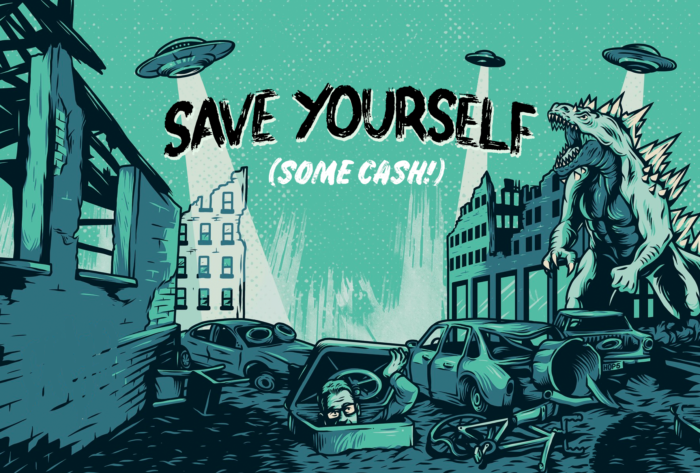
email header illustration with godzilla for cyber sale
Our monster-themed 99designs cyber sale campaign 2018

Another option is to create a stand-out email campaign, from  a simple sale announcement or one that includes bold imagery and animation. Adobe recently shared their findings from cyber sale campaigns. They discovered that the biggest sales drivers on Cyber Monday included direct website traffic, while paid searches, organic searches and email followed closely after.
In the end, it’s important to understand how your customers interact best with your brand—that information should lead the platform for your campaign.

Inspiration for a successful cyber sale campaign

Catchy copy

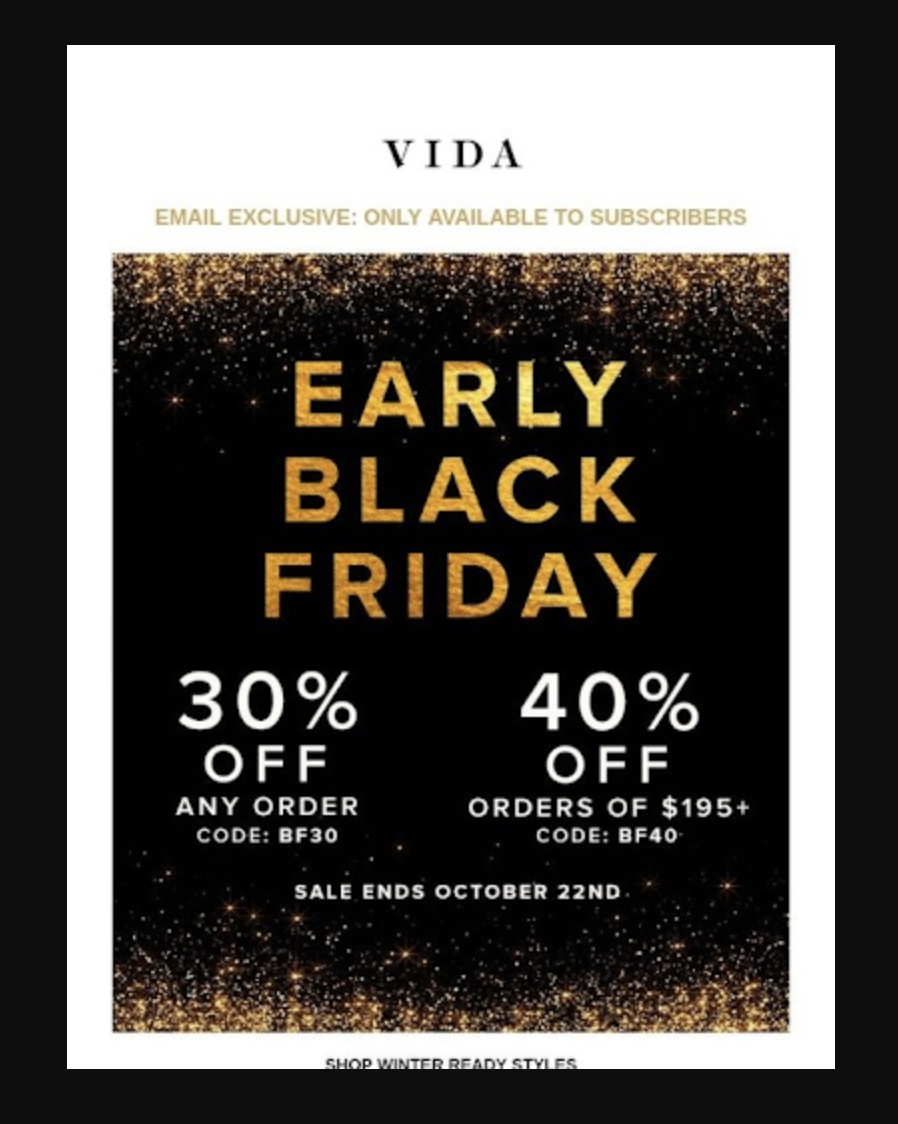
Whether your marketing campaign is text heavy or not, you want to make sure the information is clear, concise and actionable. It’s important to experiment; take a risk with an interesting way to offer your business’s products and services because unconventional tactics will stand out more than traditional offers.

Personal emails tend to feel better crafted and easier to relate to, while they also have the power to build engagement within your subscription list. If it fits the atmosphere of your brand, humor could be an effective tool.

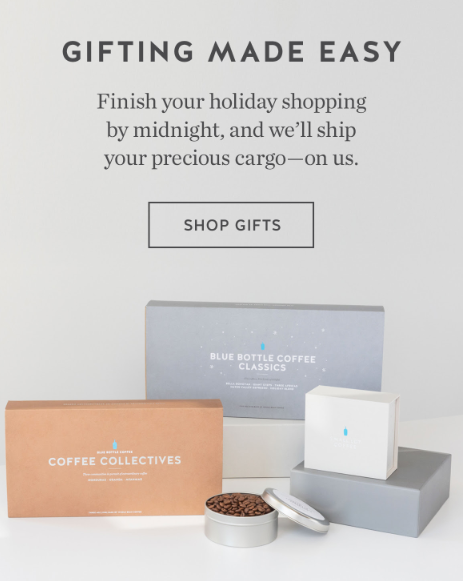
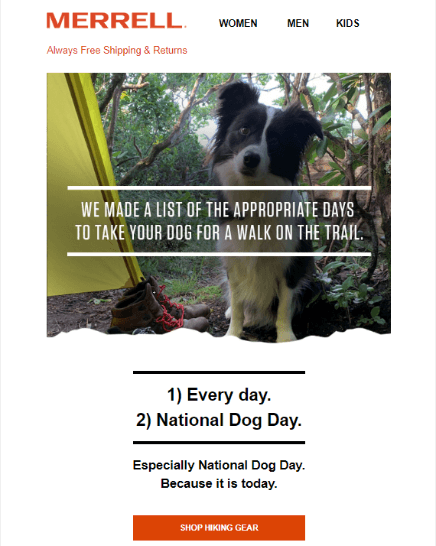
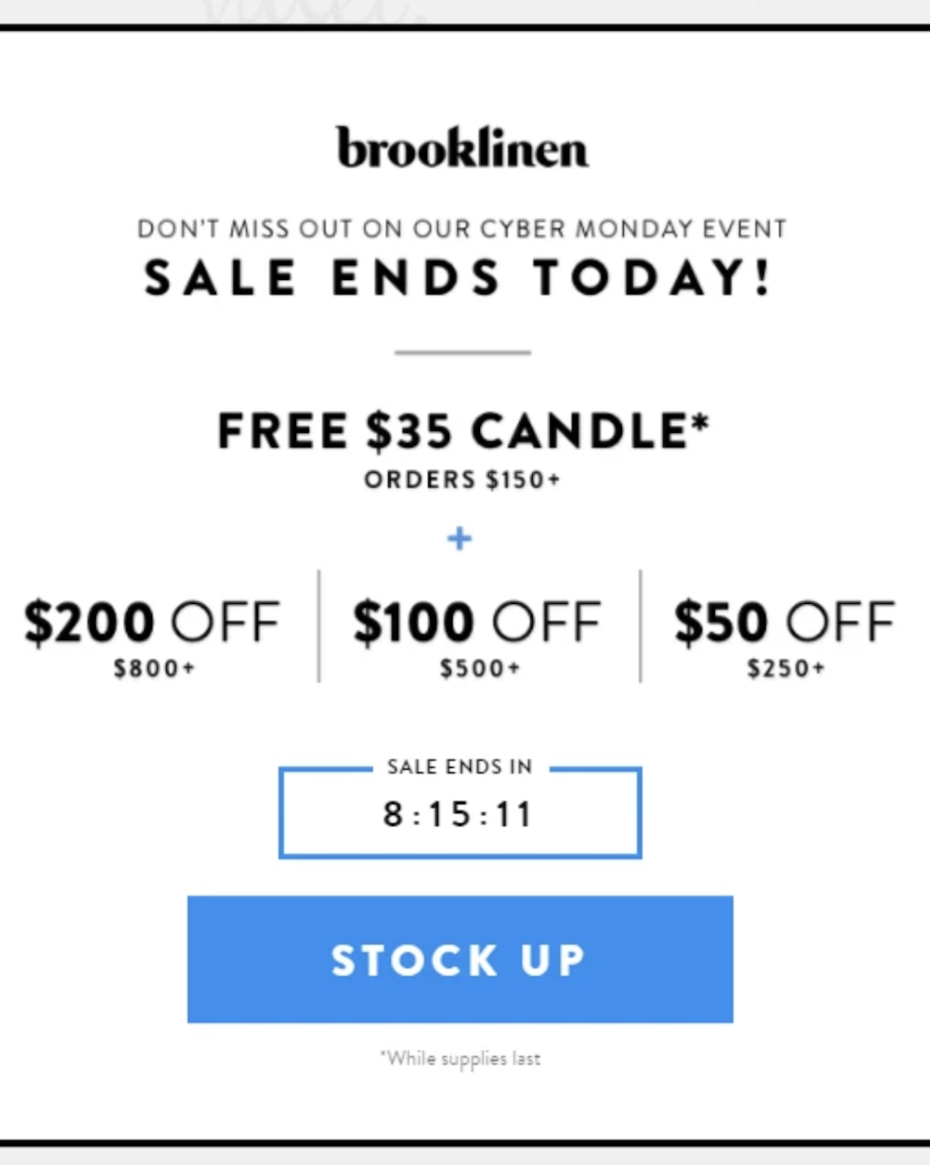
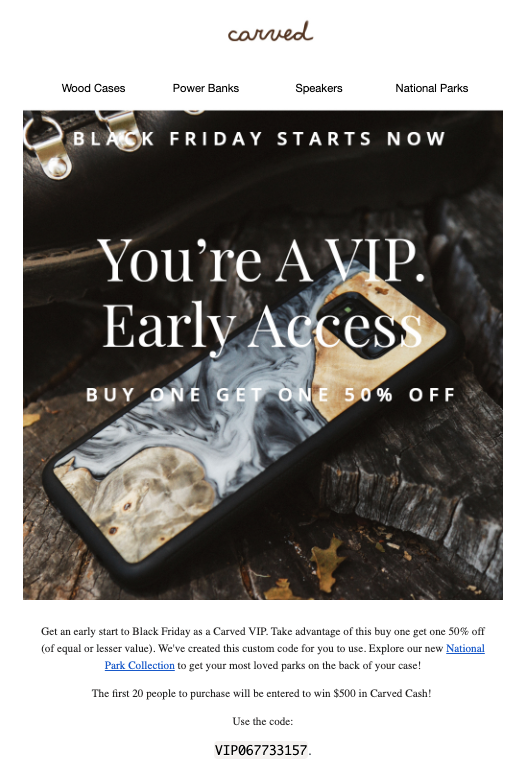
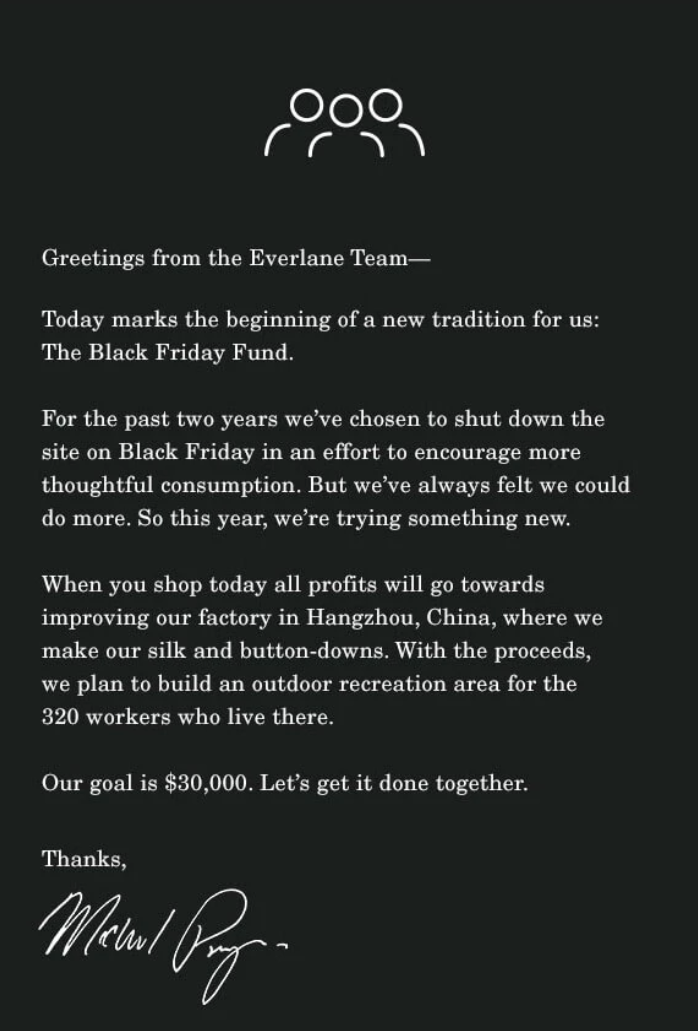
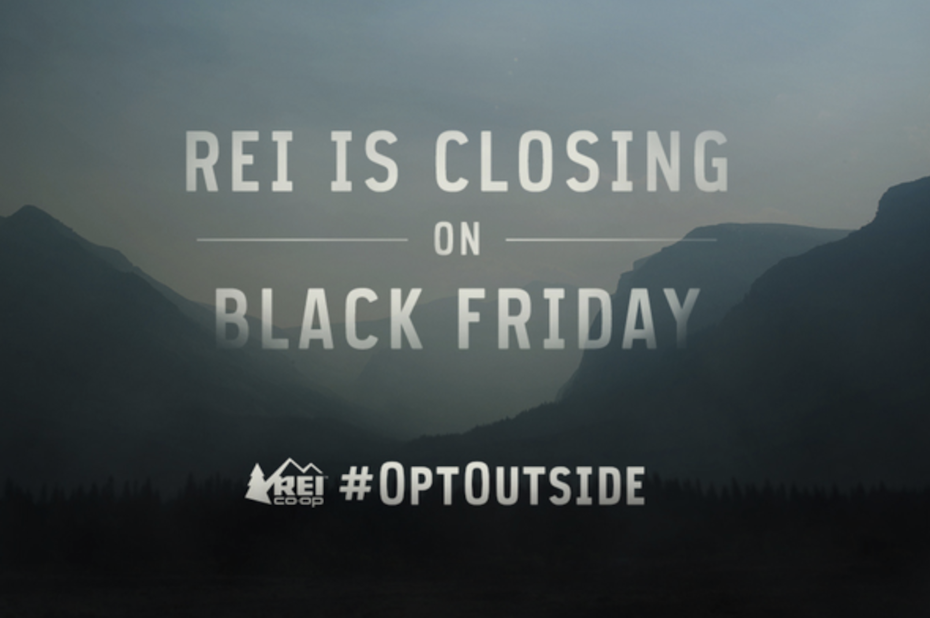
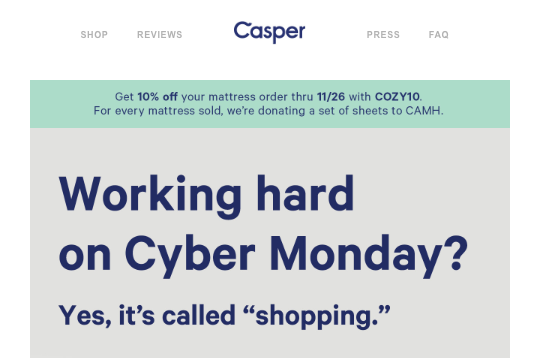
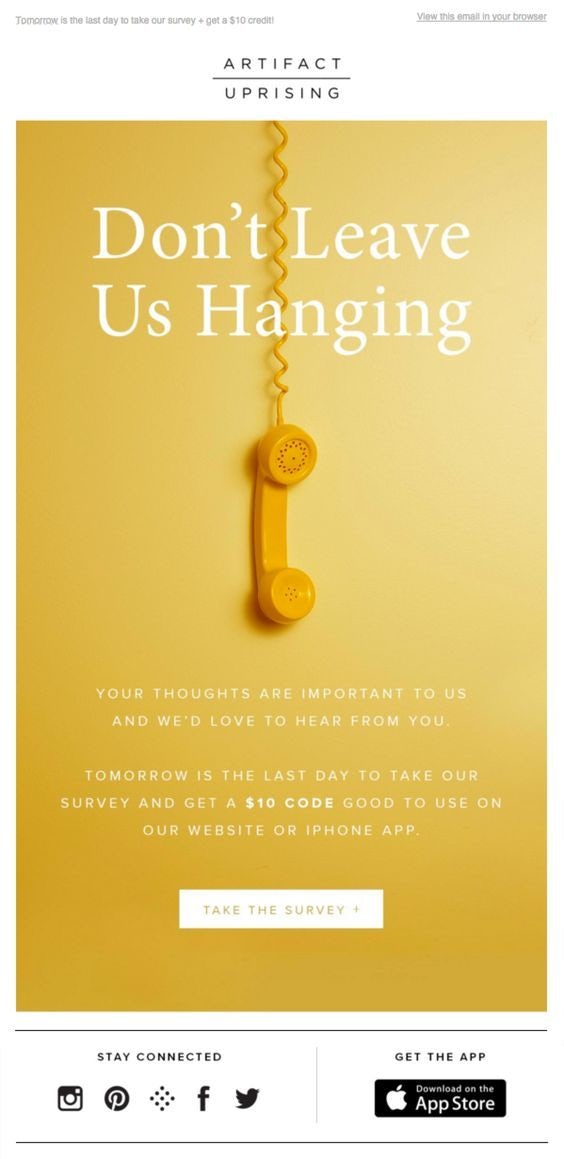
Vida Cyber Monday campaignNasty Gal Cyber Monday campaignBlue Bottle Coffee Cyber Monday campaignBlue Apron Black Friday CampaignGood Fucking Design Black Friday campaignMerrell Black Friday campaignBrooklinen Black Friday campaignForever 21 Black Friday campaignCarved Black Friday campaignEverlane anti-sale Black Friday campaignREI #OptOutside Black Friday adCasper Cyber Monday campaign

Convincing subject lines, especially those which create a sense of urgency, will help your customers to follow through with the sale. But it’s important to avoid certain words and characters in your subject line (such as dollar signs), since those might land your email in a prospective customer’s junk mail folder. To be on the safe side, take a look at this in-depth article on words to avoid. Also dig into your previous cyber sale campaigns to find out which keywords and offers have historically worked well.

Creative visuals

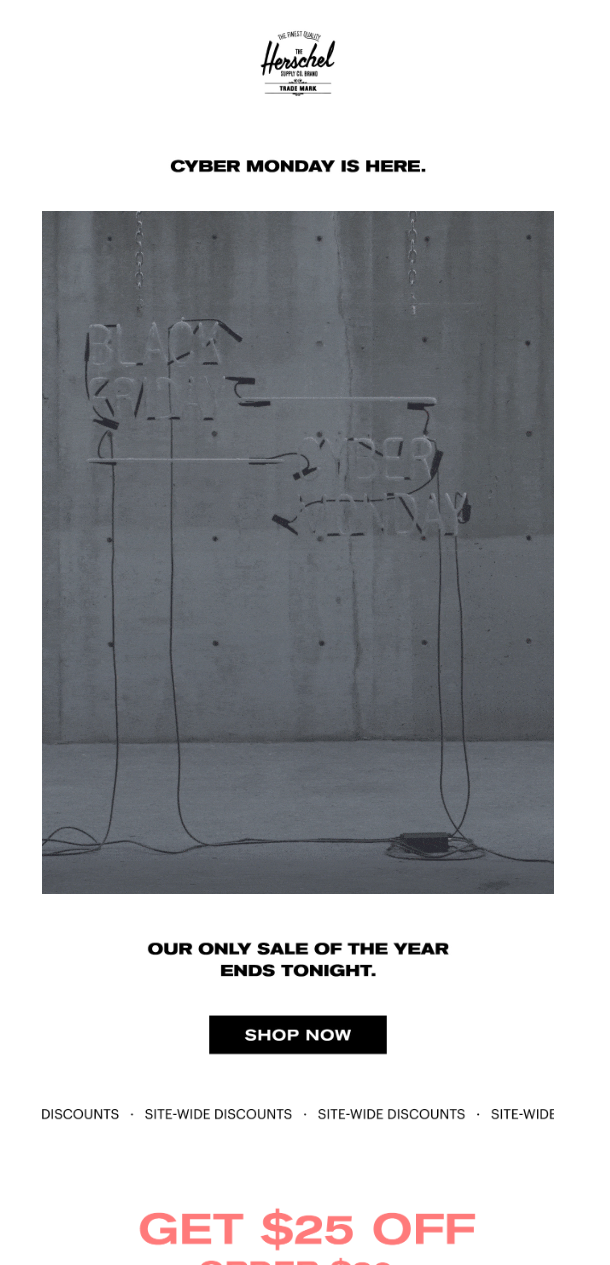
Clever and bold visuals will go a long way, but it’s important to stay consistent with your brand voice when choosing graphics for your cyber sale campaigns. Effective elements that can be added to your campaign include countdown timers, call-to-action buttons, animations or GIFs. You can lead the focus and create organization with a thoughtful hierarchy of the graphics and text.

This is where you can get creative and catch your customer’s eye, so don’t be afraid to try something new!

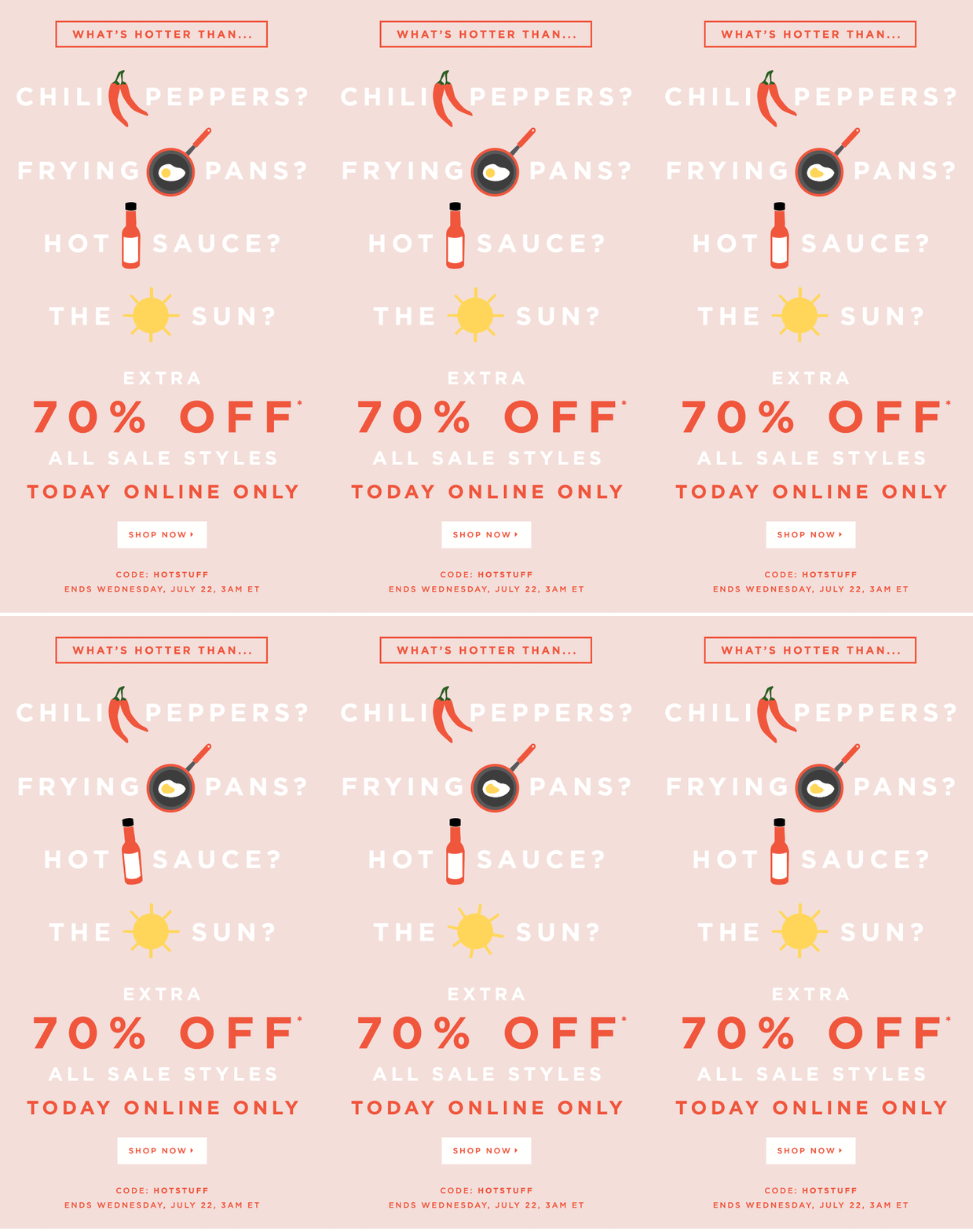
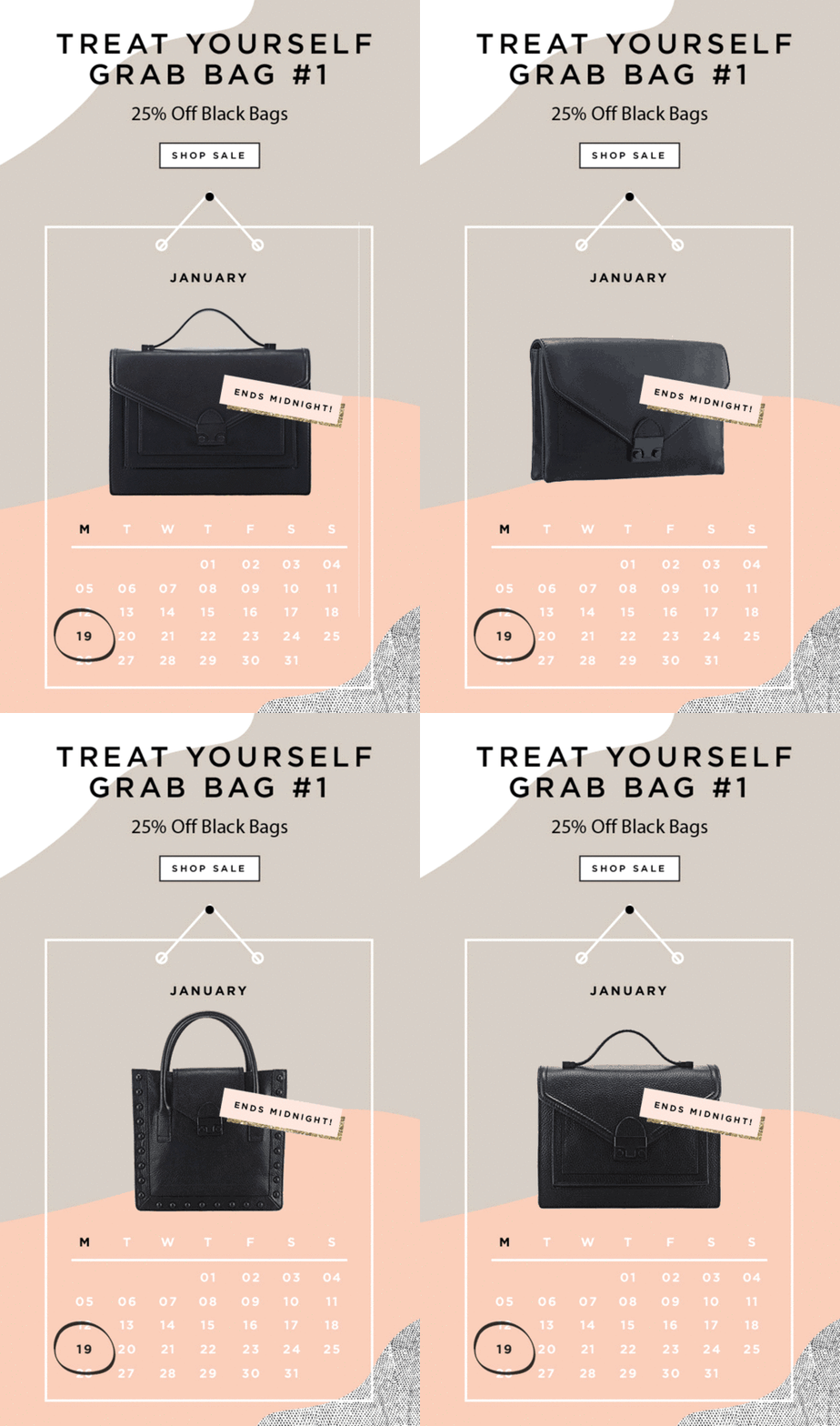
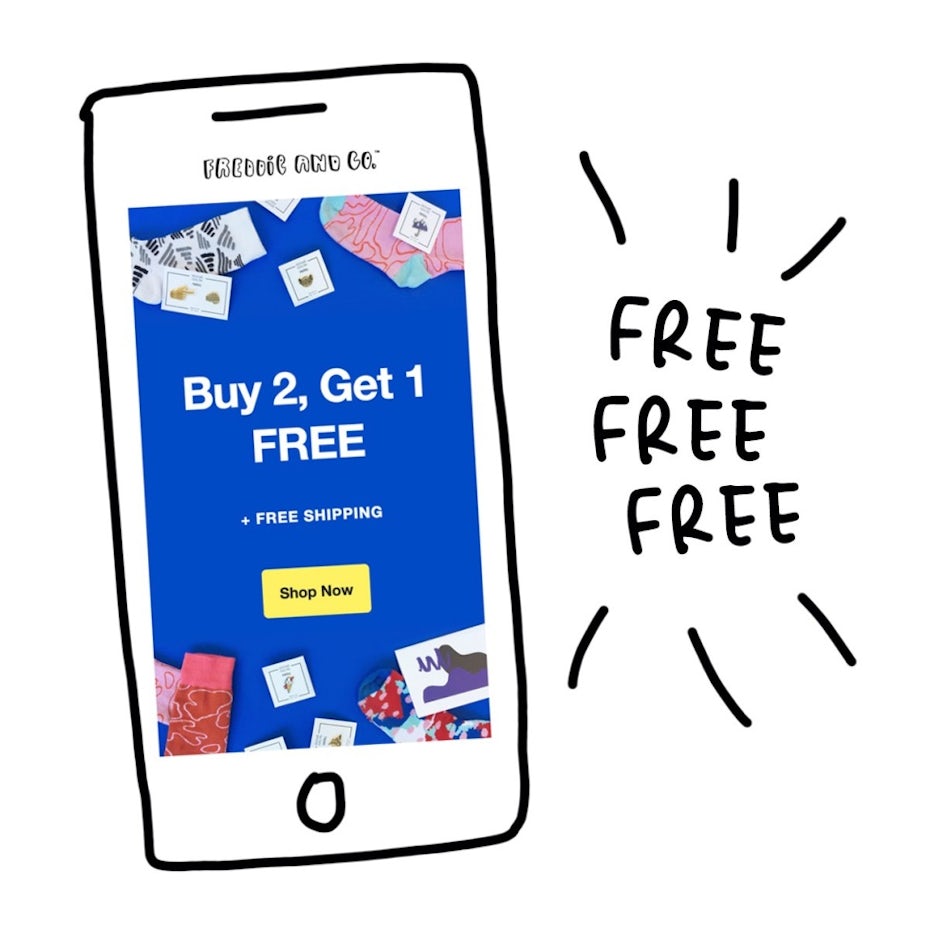
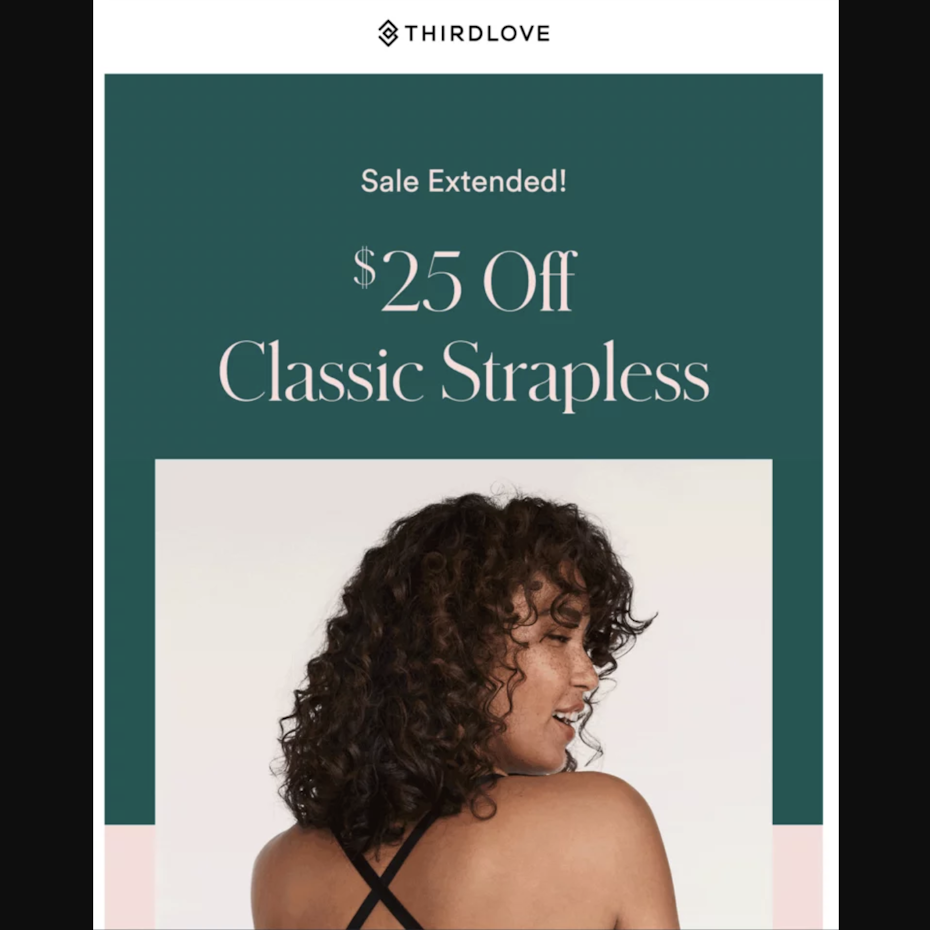
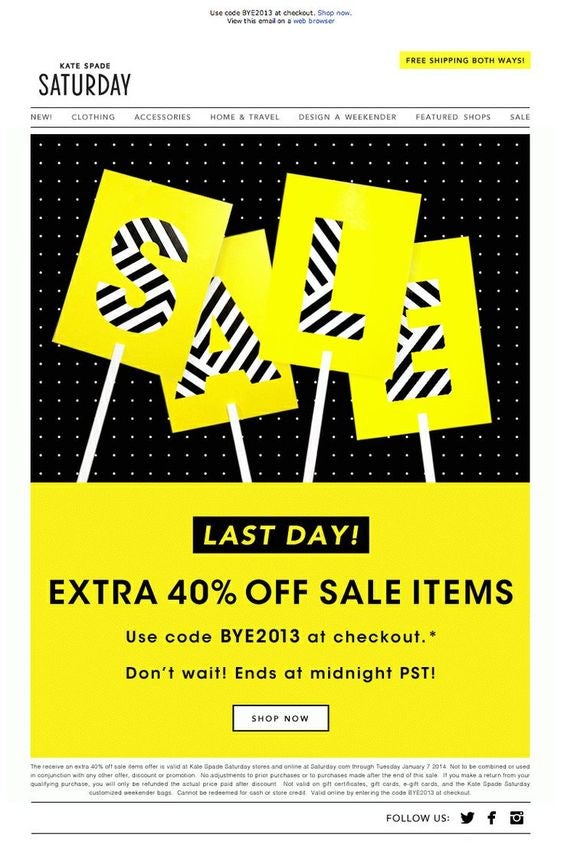
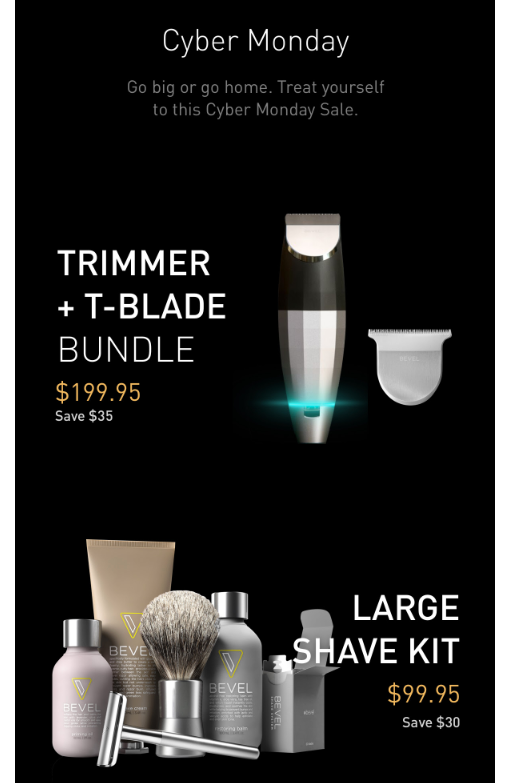
Loft Cyber Monday campaignLoeffler Randall Cyber Monday campaignFreddie and Co. Cyber Monday campaignThirdlove Cyber Monday campaignKate Spade Cyber Monday campaignBevel Cyber Monday campaignArtifact Uprising Cyber Monday campaignHerschel Cyber Monday campaign

It’s time to create!

Creative cyber sale campaigns should be completely unique to your brand. Having a clear understanding of the aspects of your business that are most important to communicate will help you create an original campaign that’s right for your brand.

Remember that the presentation of the copy and design is just as important as the deal itself. Think about what your target audience really wants and be sure to communicate the details of the sale by specifying the perks you’re offering (i.e. by one get one free, 50% off, etc). Then show them why your business is the ideal spot to shop. Your customers should know that they will straightforward shopping experience with amazing customer service.

In the end, it’s most important to showcase your brand’s creativity and be open to evolving for the next year. Time to create an amazing, creative cyber sale campaign!

Need a beautiful design for your next campaign?
Our designers can help you create just about anything.

The post Boost your cyber sale inspiration with these awesome campaigns appeared first on 99designs.